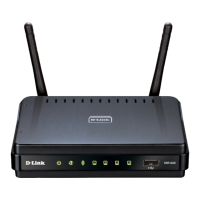
DIR-620 Wireless N300 Router with 3G/CDMA/LTE Support
and USB Port
User Manual
Configuring via Web-based Interface
Later you will be able to add wireless devices to the WLAN by pressing the WPS button of the
router.
1. Select the PBC method in the software of the wireless device that you want to connect to the
router's WLAN.
2. Click the relevant button in the software or press the WPS button on the cover of the
wireless device that you want to connect to the WLAN.
3. Press the WPS button of the router, hold it for 2 seconds, and release. The WPS LED will
start blinking.
Page 151 of 225










 To Next Page