24D-Link DIR-810L User Manual
Section 3 - Conguration
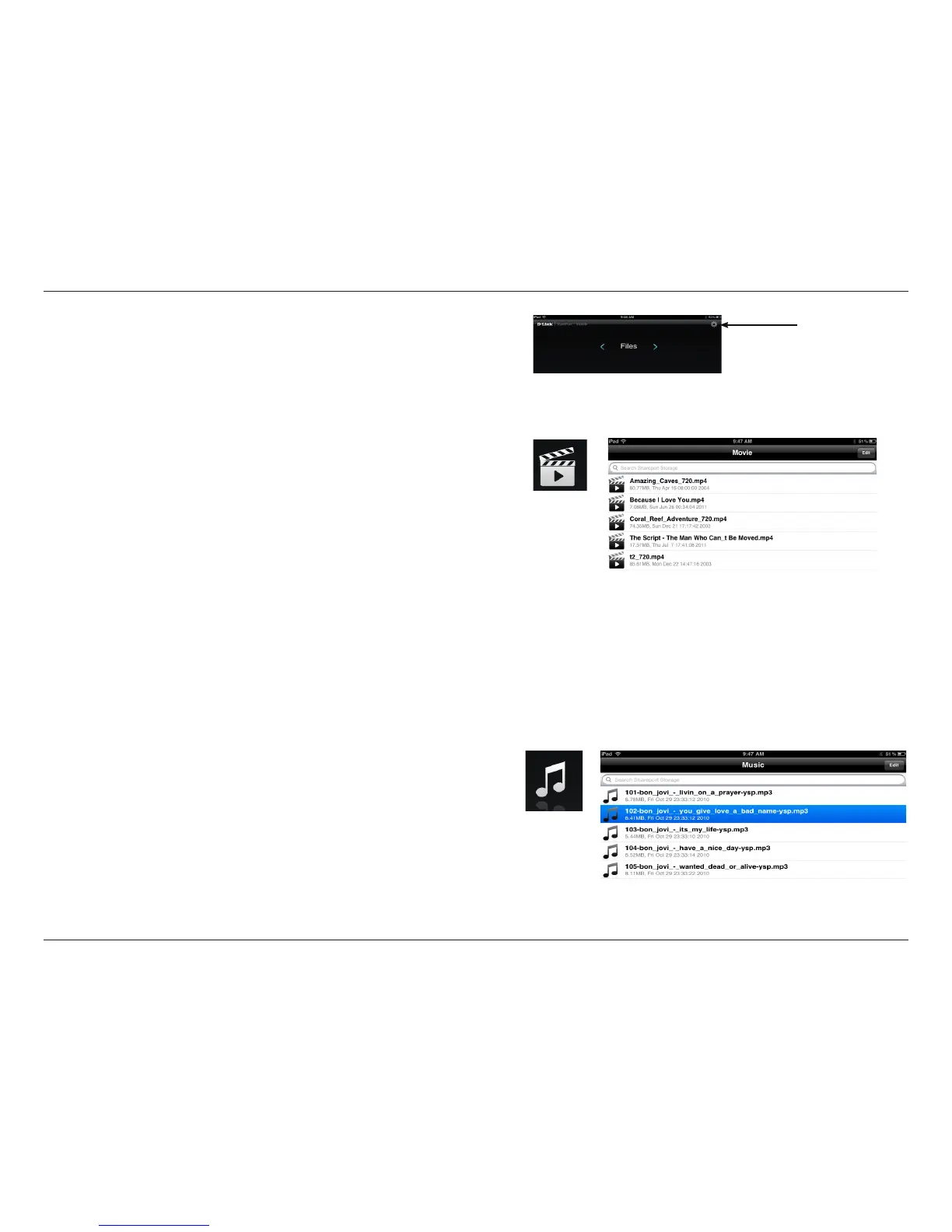
7. Click on Settings icon located on the right top corner of the
screen. Click Edit to enter your User Name and Password.
Once you nish, click Done to continue.
8. For the Movie section, click the movie icon to play your movie
from your USB ash drive.
9. For the Music section, click the music icon to play your music
from your USB ash drive.


 To Next Page