6D-Link DIR-879 User Manual
Section 1 - Product Overview
Hardware Overview
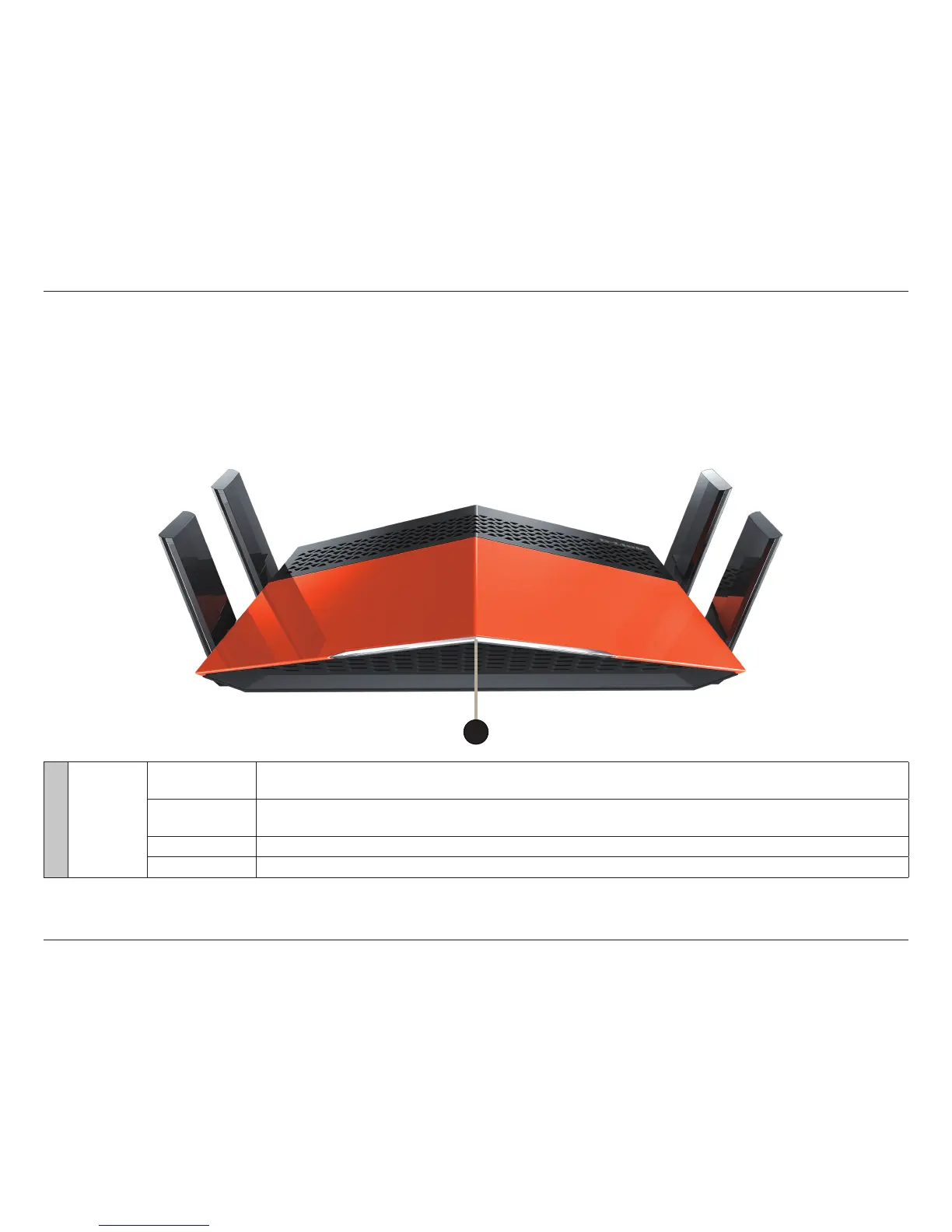
LED Indicator
1 Power LED
Solid White
A solid white light indicates that the device is powered on, healthy, and connected to the Internet (Router
Mode) or Uplink Router (Extender Mode).
Solid Orange
A solid orange light indicates that the device is booting, undergoing a factory reset, or not connected to the
Internet (Router Mode) or Uplink Router (Extender Mode).
Blinking Orange A blinking orange light indicates that the device is in recovery mode.
Blinking White A blinking white light indicates that the WPS search mode is active.
1



 To Next Page