10D-Link DIR-879 User Manual
Section 2 - Choosing an Operation Mode
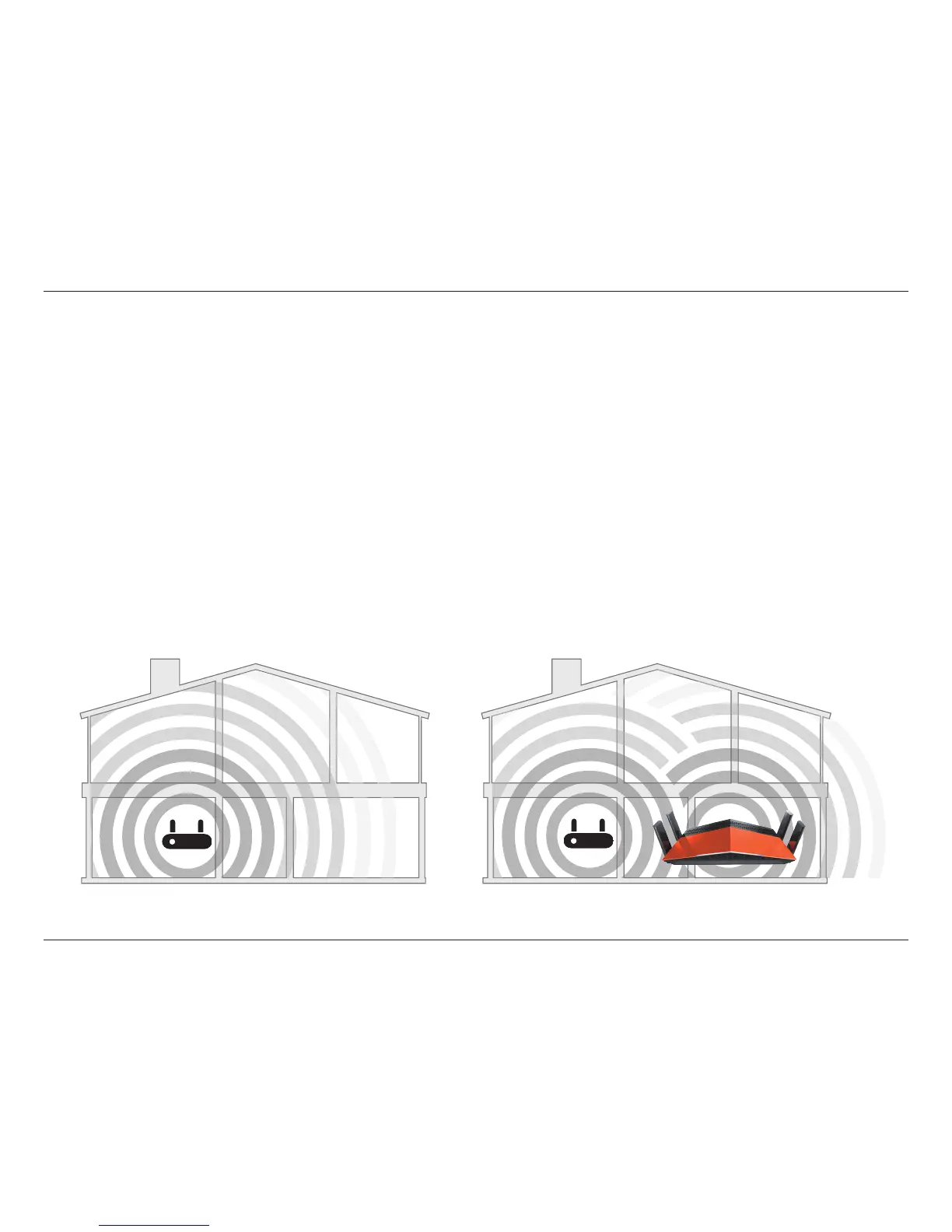
Existing Wi-Fi Range Wi-Fi Range with DIR-879
What is an Wireless Extender?
In Extender mode, the DIR-879 works with your existing networking equipment to provide Wi-Fi for parts of your home or
oce that may have poor or no reception. It works as a Wireless Extender by connecting to your existing wireless network
and creates a new wireless network for your devices to connect to. This extended wireless network can use the same wireless
network password as the existing wireless network, or you can specify a dierent password, giving you the exibility to control
network access. You may also use the DIR-879 as a wireless Access Point by connecting it to an uplink network via an Ethernet
cable. This can be useful if you already have an existing router without built-in wireless capabilities or if your existing wireless
signal can’t bridge the distance. Devices connected to the DIR-879 obtain IP addresses from the existing uplink network.
Place the DIR-879 in an area where you wish to get Wi-Fi, but is reachable by wireless signals or an Ethernet cable from your
uplink network.
Extender Mode



 To Next Page