35D-Link DIR-879 User Manual
Section 4 - Installation - Wireless Extender
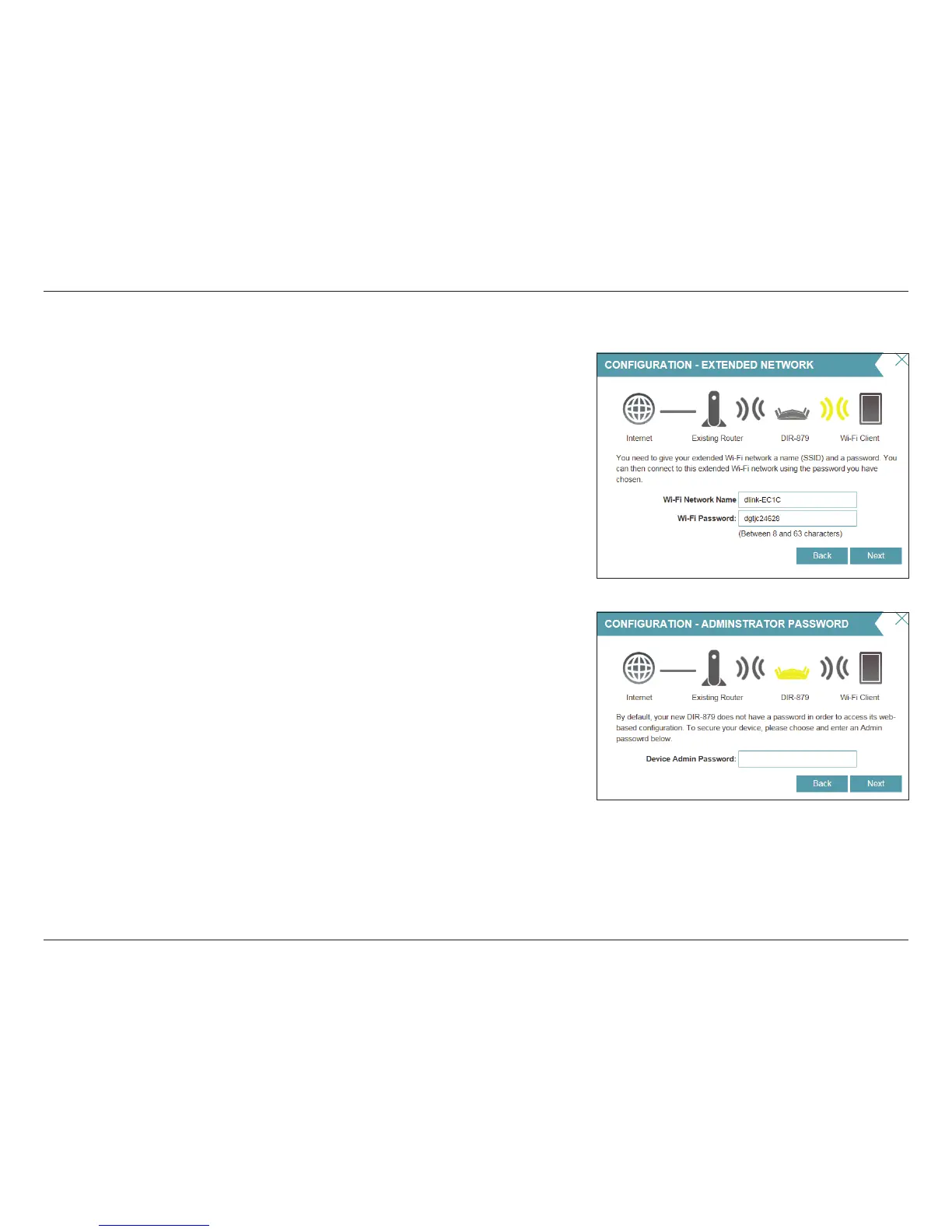
Create a Wi-Fi password (between 8-63 characters). Your wireless clients will
need to have this passphrase or key entered to be able to connect to your
wireless network.
Click Next to continue.
Note: The DIR-879's Smart Connect feature presents a single wireless network.
When connecting clients to an extension network, they will be automatically
added to the best band, either 2.4 GHz or 5 GHz. To disable the Smart Connect
feature and individually configure 2.4 GHz and 5 GHz networks, refer to
Extender on page 101.
In order to secure the router, please enter a new password. You will be prompted
for this password every time you want to use the router’s web conguration
utility. Click Next to continue.
Setup Wizard (continued)



 To Next Page