125
AppleTalk-enabled or Bonjour-enabled Printers
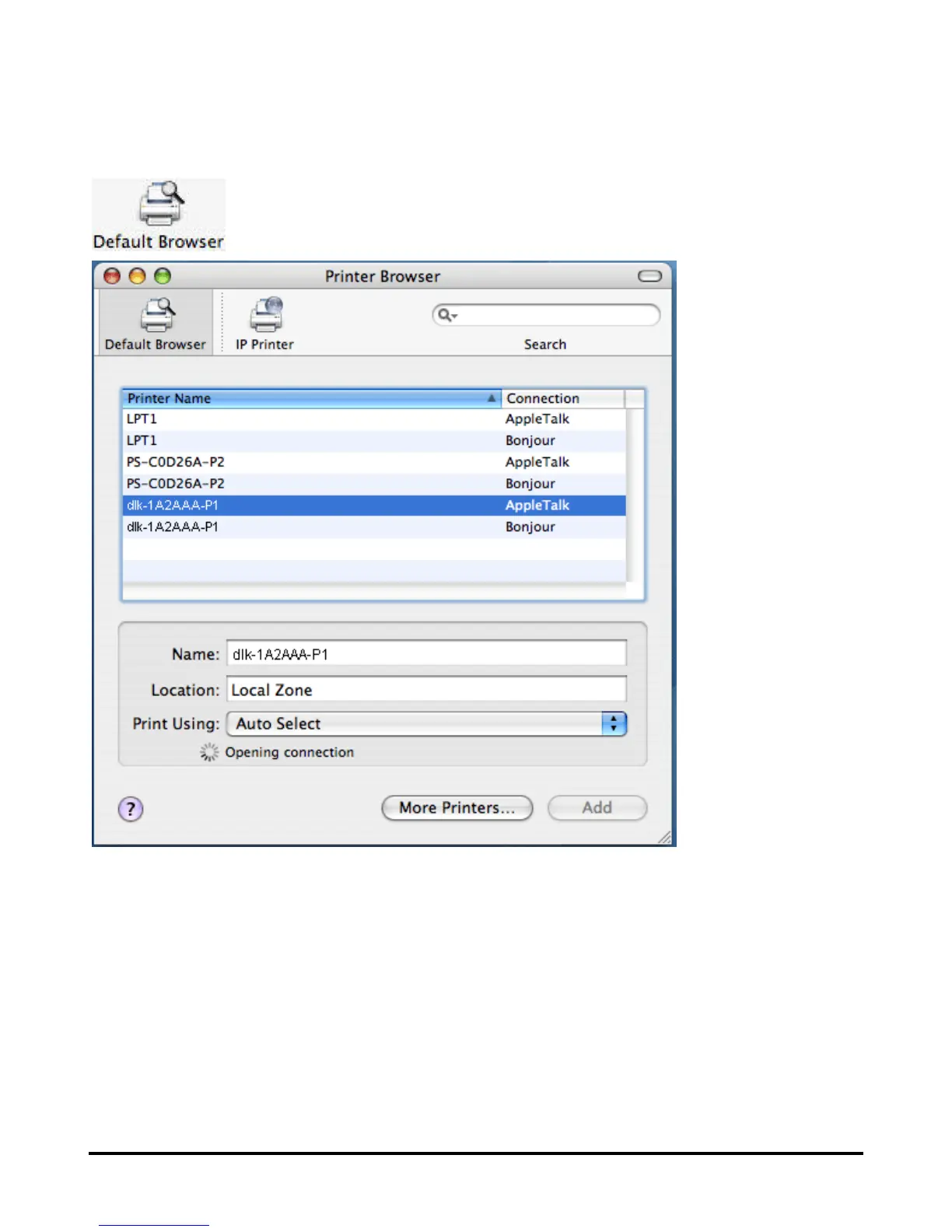
To add an AppleTalk-enabled or Bonjour-enabled printer, click on the
button in the Printer Browser menu.
Select the printer model from Printer Name list and Connection type in the
Printer Browser menu. The printer name selected should be the same as that
appearing listed in the Printer Server’s web manager. In the example here, the
printer name is dlk-1A2AAA-P1. By default the Printer Browser will use the Auto
Select for Print Using: to determine what printer configuration to use. This may
also be manually selected in the Print Using drop-down menu by brand and
model. Click the Add button to exit the Printer Browser window and implement
the new setting.



 To Next Page
 Loading...












