40
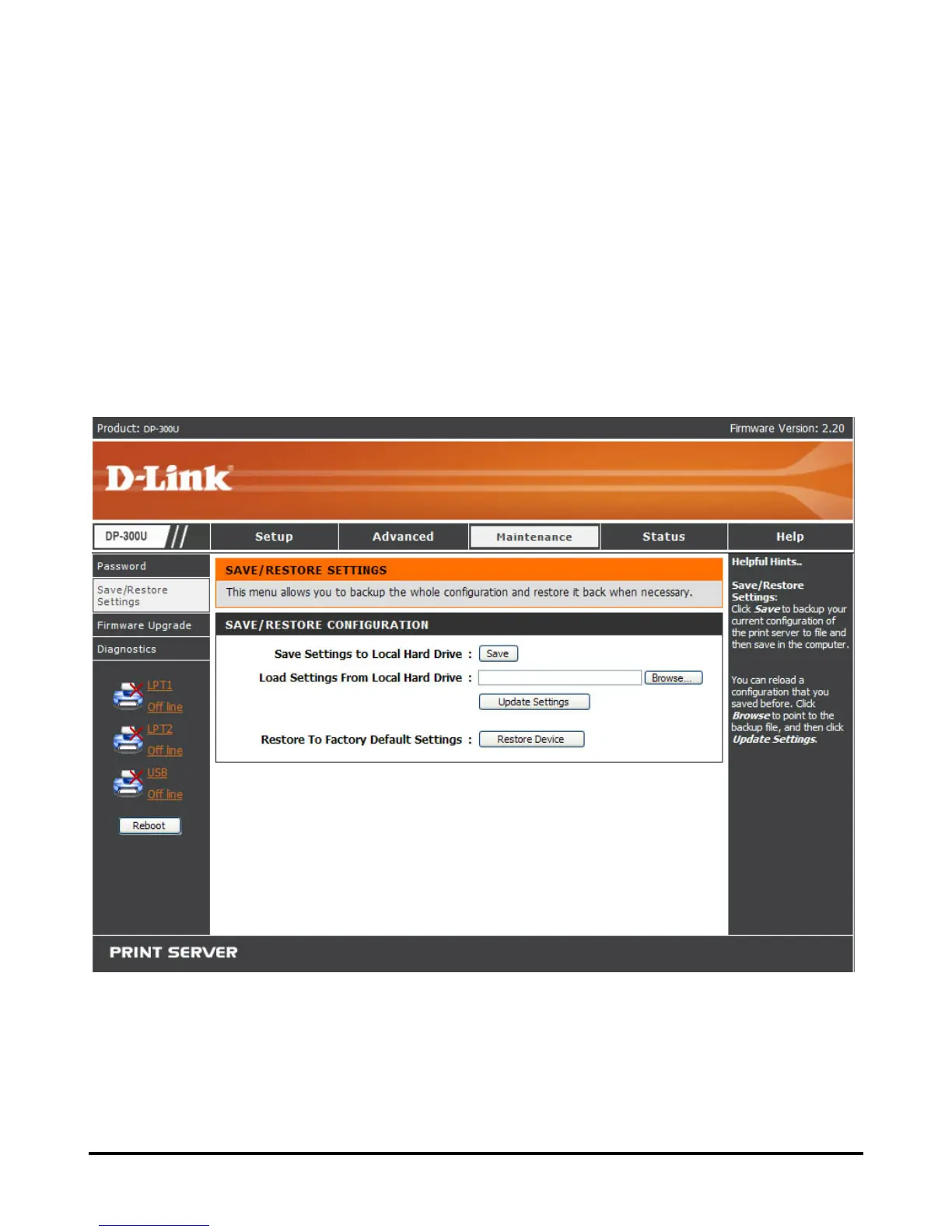
MAINTENANCE > Save/Restore Settings
The Save/Restore Settings screen not only allows you to save the current
configuration in a computer for backup by clicking Save in Save Settings to
Local Hard Drive, but also allows you to reload a configuration that you saved
before by clicking Browse to direct to the backup file, and then clicking Update
Settings for reloading. Beside, you are also allowed to return the print server to
the default settings by clicking Restore Device in Restore to Factory Default
Settings.













 To Next Page