3
External Features
Port Connectors
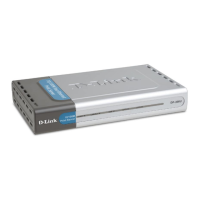
The DP-300U has two parallel ports and one USB port located on its back panel.
The ports are configurable using the Web Configuration Interface or the print
server’s Telnet interface. The Print Server’s Web configuration permits users to
configure settings through the web browser.
Default IP Address of DP-300U is set as automatically getting from DHCP server or
Router which build-in DHCP server.
NOTE: The PC’s IP Address must be in the same subnet as the print server’s IP
Address for the two devices to communicate. (For example, if print server’s IP
Address is 192.168.0.10, with a subnet mask of 255.255.255.0, then your
computer’s IP Address should be 192.168.0.x, where x is a value between 1-254,
excluding 10.)













 To Next Page