DP-301 Print Server Hardware Guide
4
Introduction
Network Port
The network port (RJ-45 receptacle) provides for connection to the network
through 10Base-T Ethernet cabling, or Category 5 twisted-pair cable for
100Base-TX Fast Ethernet. This port has autonegotiation (NWay)
functionality, which enables the DP-301 to automatically negotiate and set
its data rate to the highest rate allowed by its network.
DC Power Input
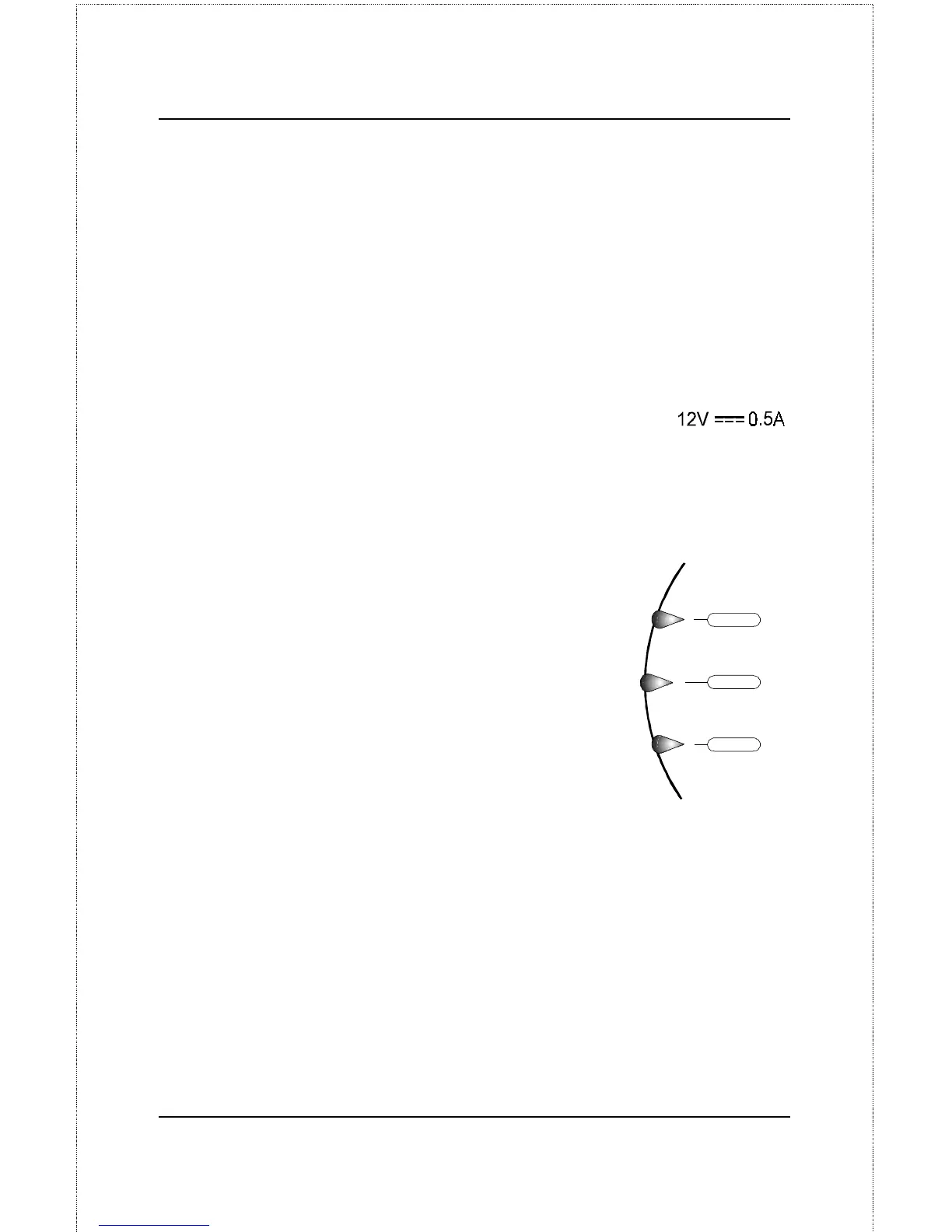
The DC power input socket has the label:
The power supply included in your DP-301 package is correct for the
DP-301. Substitution of other equipment may void warranty.
LED Indicators
The front panel of the DP-301 comprises three LED
indicators. See "Power-up and Self-Test," Chapter 2,
for LED indications upon starting up the DP-301.
During operations following a normal startup, the
LED indicators provide the following status signals:
♦ Pw/Tx
Steady or flashing green confirms power on.
This indicator blinks (briefly dark) when the
DP-301 is transmitting to the network.
♦ Link/Rx
Steady or flashing green confirms that the DP-301 has a good
connection to the Ethernet or Fast Ethernet network.
This indicator blinks (briefly dark) when the DP-301 is receiving from
the network.
♦ LPT
Link / Rx
LPT
Pw / Tx
LED Indicators













 To Next Page