Section 3 - Configuration
D-Link DSL-2750B User Manual
101
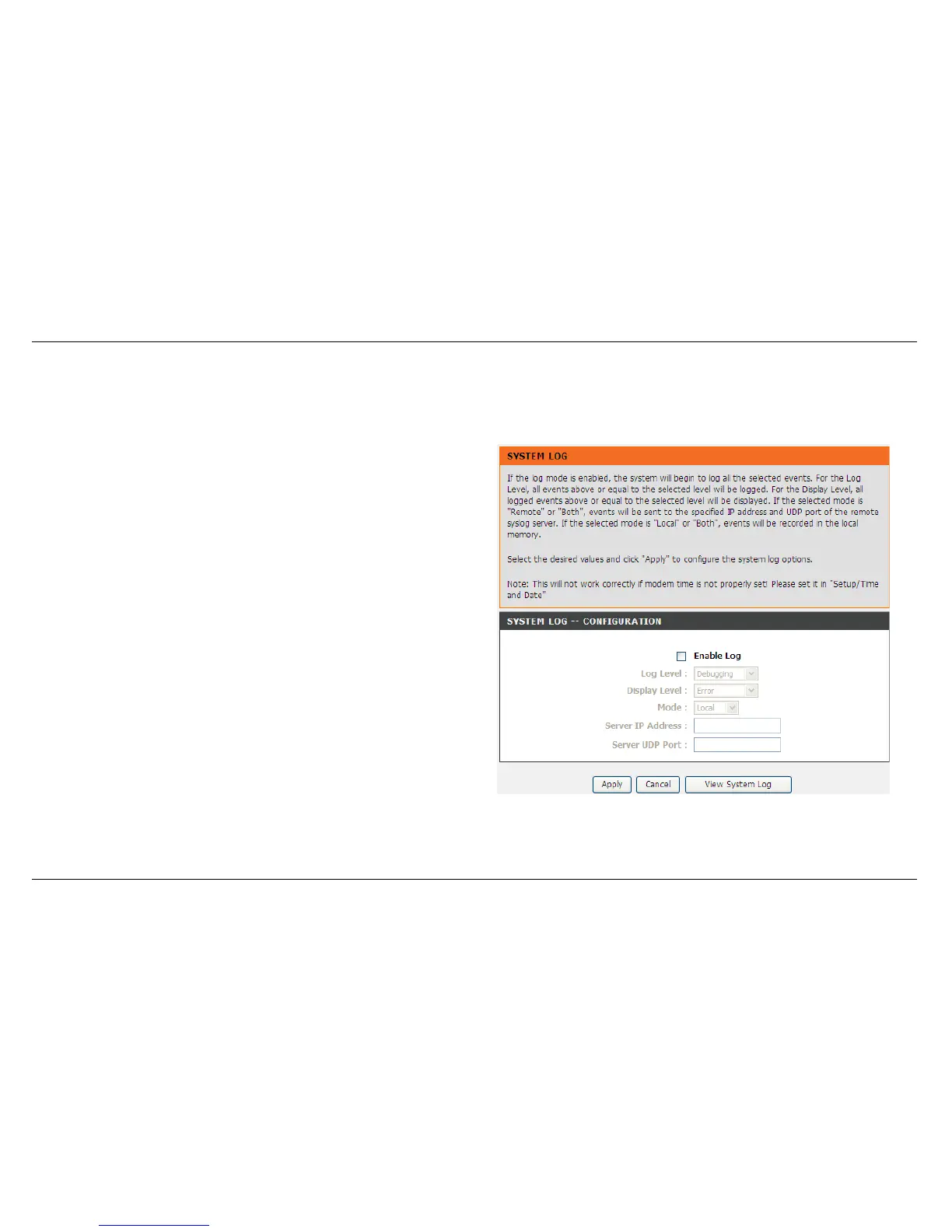
SYSTEM LOG
The System Log allows you to configure local, remote and email logging, and to view the logs that have been created.
To access the SYSTEM LOG setting window, click on the System Log button under the MAINTENANCE tab.
You can click View System Log button to view the system log if you
enabled Log.
Select Enable and then set Log Level, Display Level and Mode.
If the selected mode is Remote or Both, events will be sent to the
specified IP address and UDP port of the remote syslog server.



 To Next Page