Section 3 - Configuration
D-Link DSL-2750B User Manual
95
MAINTENANCE
Click on the MAINTENANCE tab to reveal the window buttons for various functions located in this directory.
SYSTEM
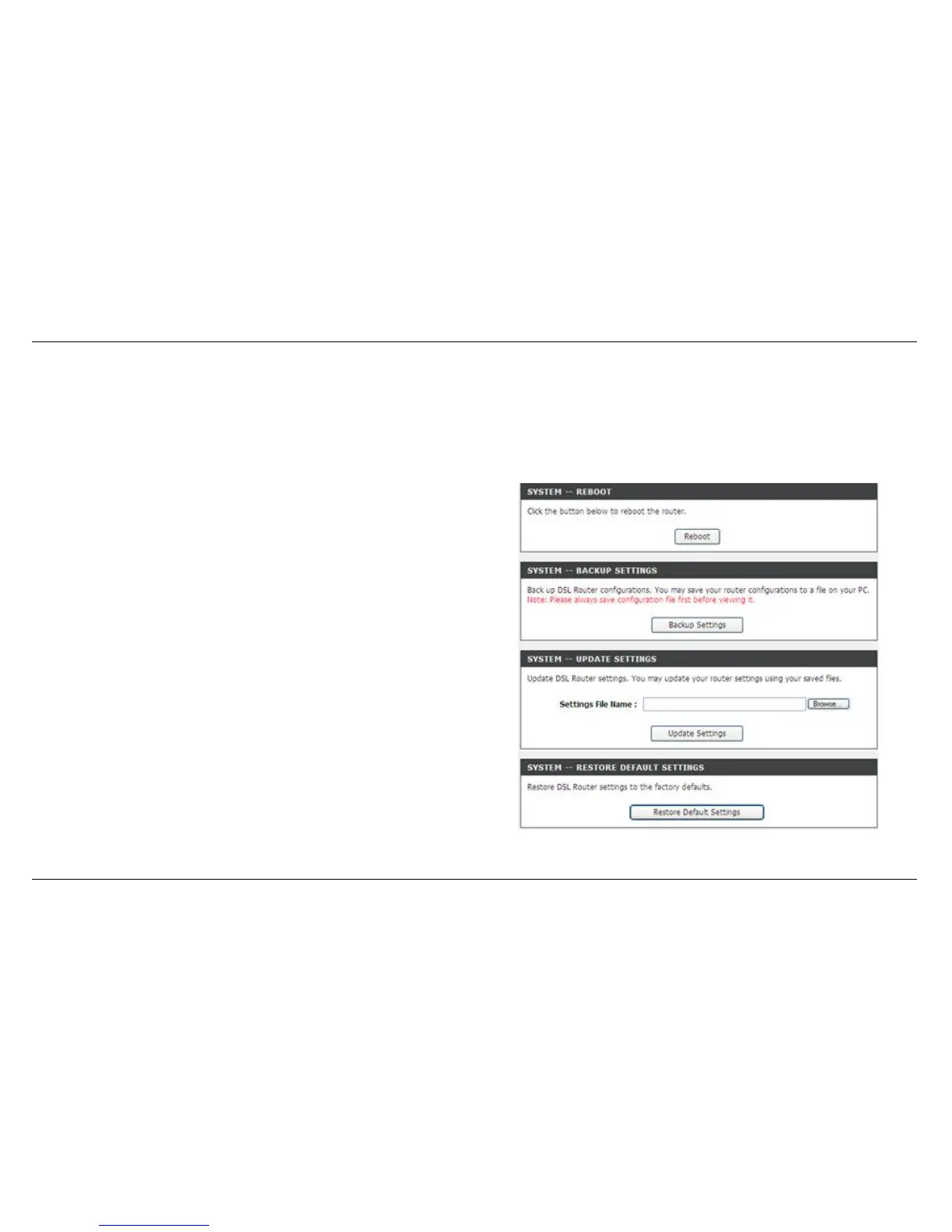
To access the SYSTEM setting window, click on the System button under the MAINTENANCE tab
REBOOT: click Reboot button to reboot the router
BACKUP SETTINGS: click Backup Settings button to backup now
setting of router.
UPDATE SETTINGS: click Update Settings and select a *.conf file which
pre backup setting
RESTORE DEFAULT SETTING: If necessary, please click the Restore
Default Setting button to have the default settings.
Note: Do not turn off your device or press the Reset button while an
operation in this page is in progress.



 To Next Page