Section 3 - Configuration
D-Link DSL-2750B User Manual
67
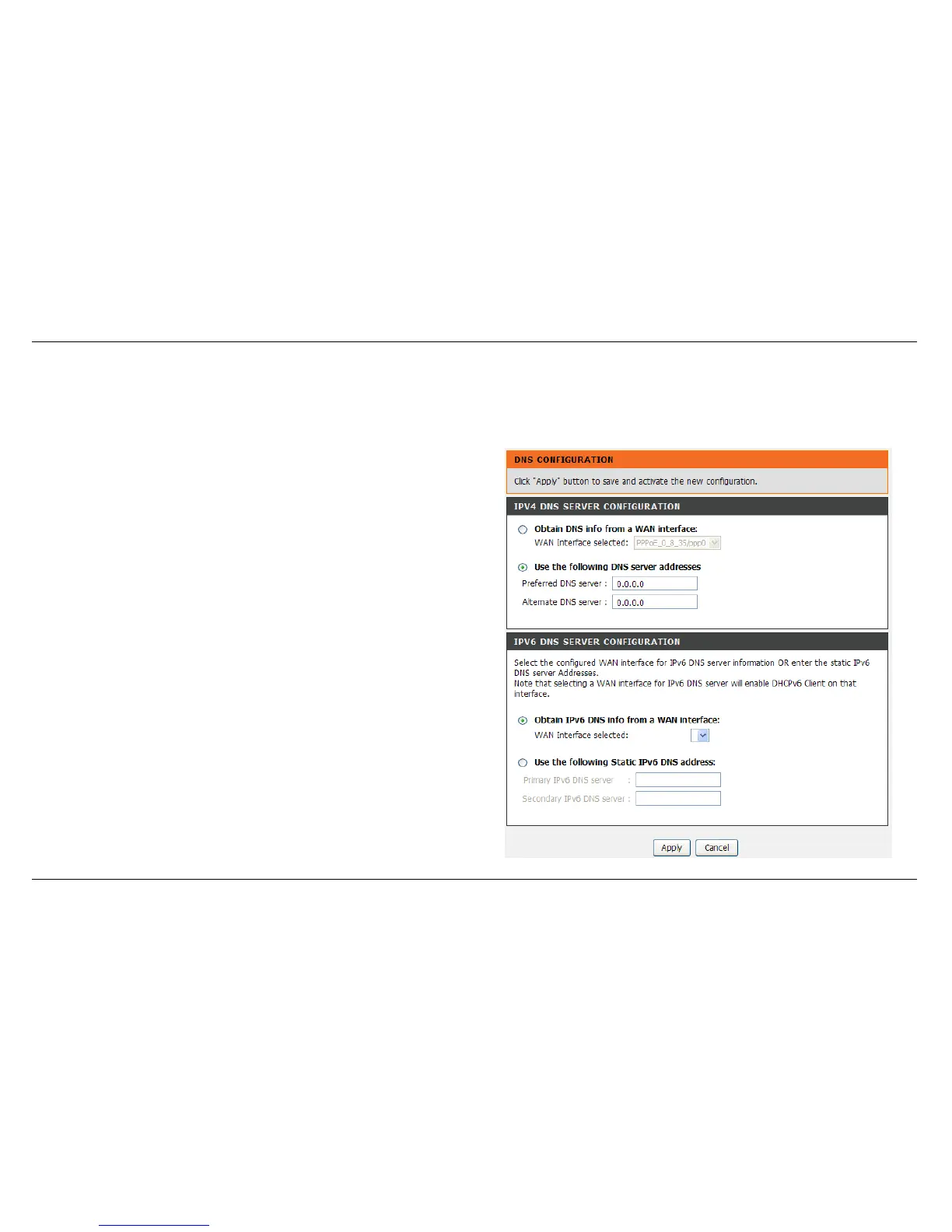
DNS SETUP
DNS (Domain Name System) is used to translate the domain name to IP addresses. You can type it in or get it automatically.
To access the DNS setting window, click on the DNS button under the ADVANCED tab.
DNS SERVER CONFIGURATION
The DNS is divided into IPv4 and IPv6 DNS SERVER CONFIGURATION
If you are using the Router for DHCP service on the LAN and are using
DNS servers on the ISP’s network, check Obtain DNS info from a WAN
interface box.
If you have DNS IP addresses provided by your ISP, enter these IP
addresses in the available entry fields for the Primary DNS Server and
the Secondary DNS Server.



 To Next Page