Section 3 - Configuration
D-Link DSL-2750B User Manual
110
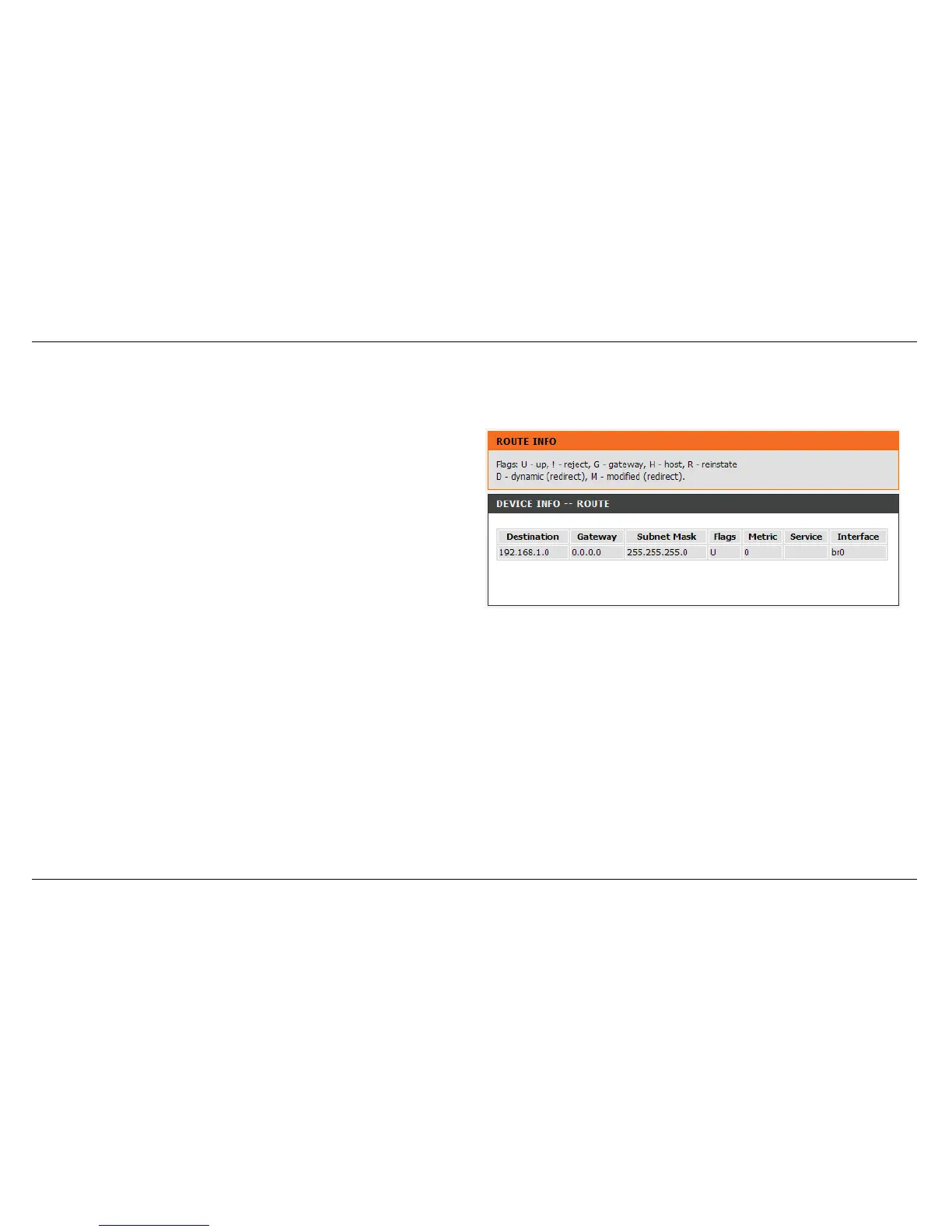
ROUTE INFO
To access the ROUTE INFO setting window, click on the ROUTE INFO button under the STATUS tab.
The ROUTE INFO section displays route information showing the IP
addresses of the destination, gateway, and subnet mask as well as other
route information



 To Next Page