Section 3 - Configuration
D-Link DSL-2750B User Manual
57
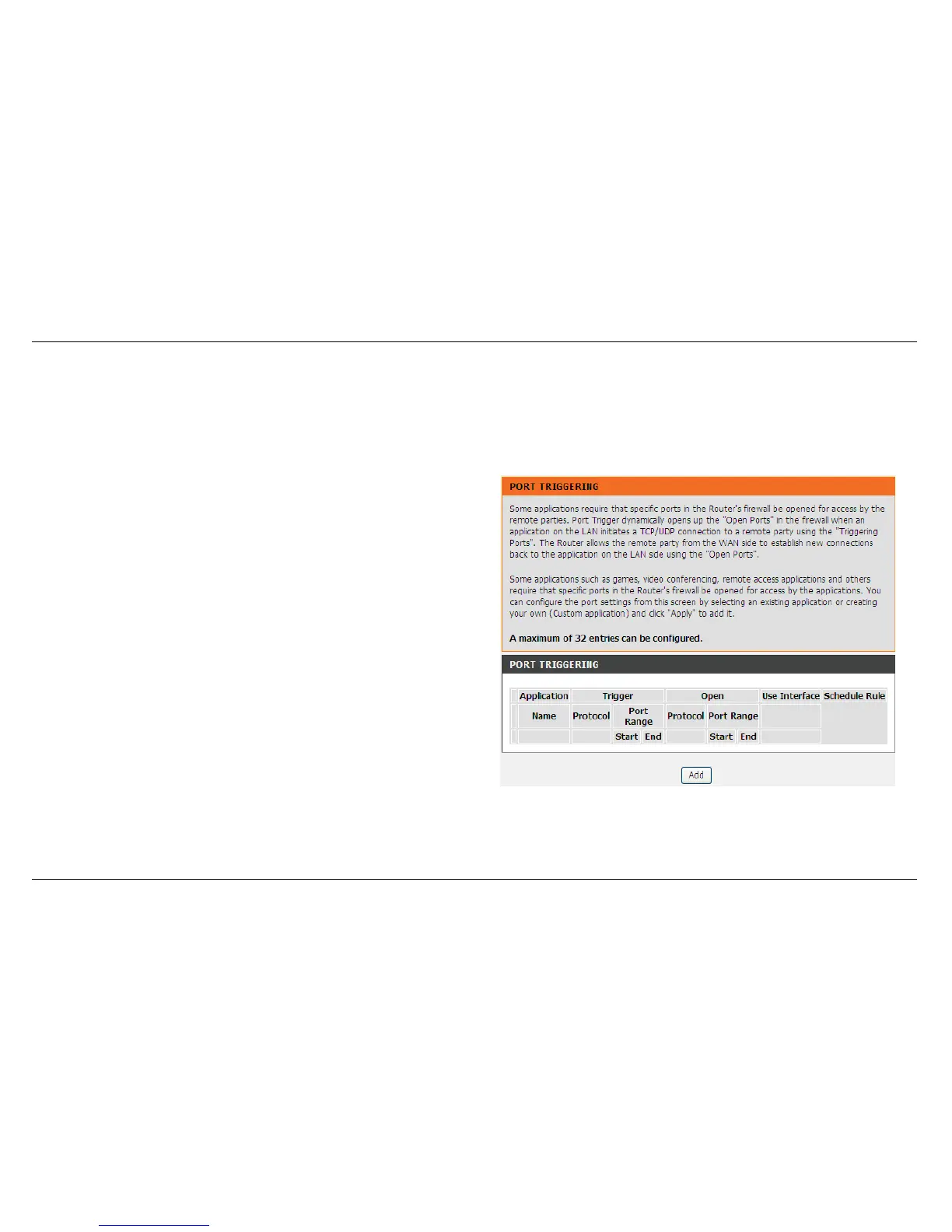
PORT TRIGGERING
Some applications such as games, video conferencing, remote access applications and others require that specific ports in the Router's firewall be
opened for access by the applications.
To access PORT TRIGGERING setting windows, click on the PORT TRIGGERING button in the ADVANCED left menu directory
PORT TRIGGERING
Press Add button to add port forwarding.



 To Next Page