Section 3 - Configuration
D-Link DSL-2750B User Manual
58
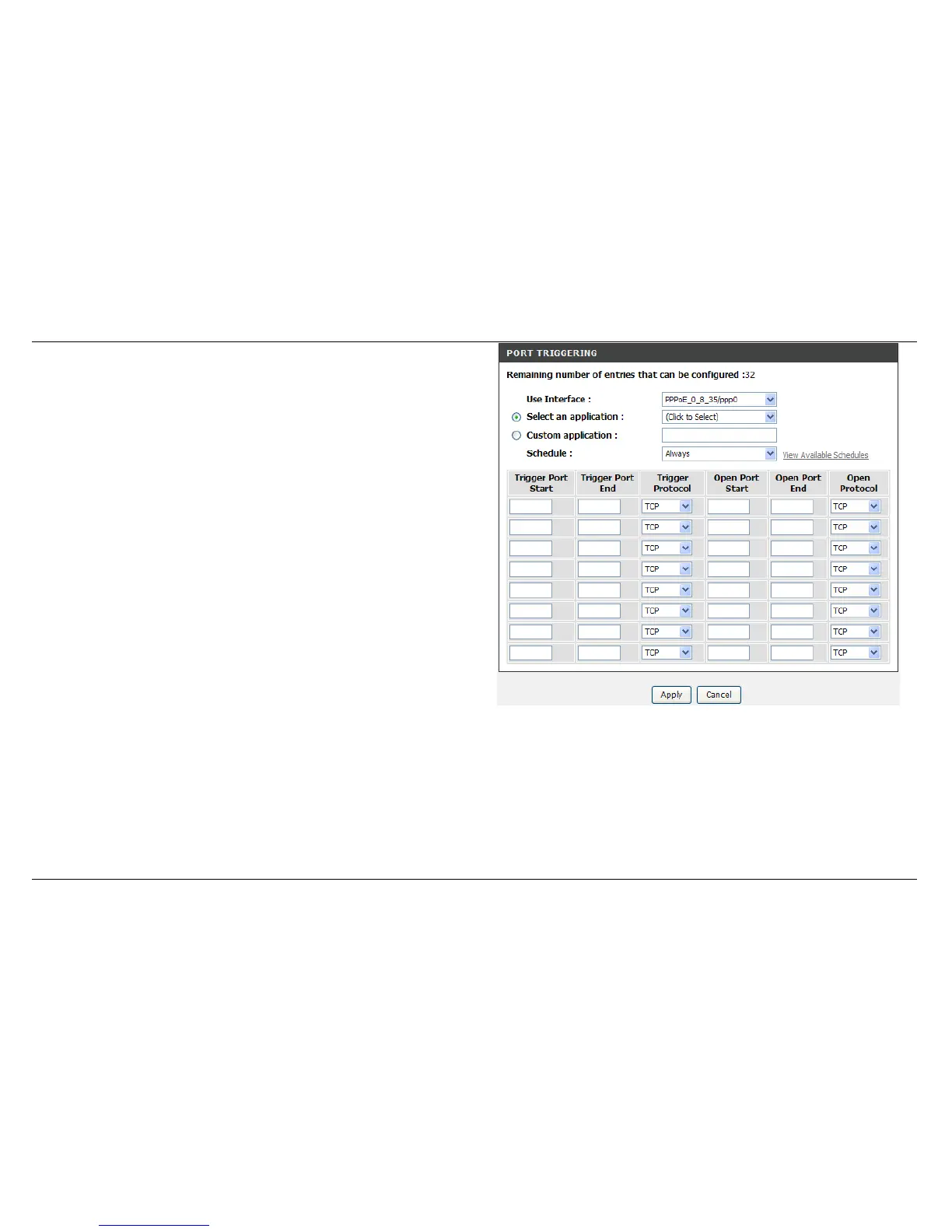
Select an application drop-down menu or Custom application type a
name input box to choose the application you want to setup for port
triggering.
The Trigger Port shows the ports opened for remote users in the WAN
side of the router. The TCP/UDP means the protocol type of the opened
ports.
The Open Port shows the ports opened in the PC with the appointed IP
Address. The TCP/UDP means the protocol type of the opened ports.
Please click the Apply button to save the configuration.



 To Next Page