Section 3 - Configuration
D-Link DSL-2750B User Manual
60
PARENTAL CONTROL
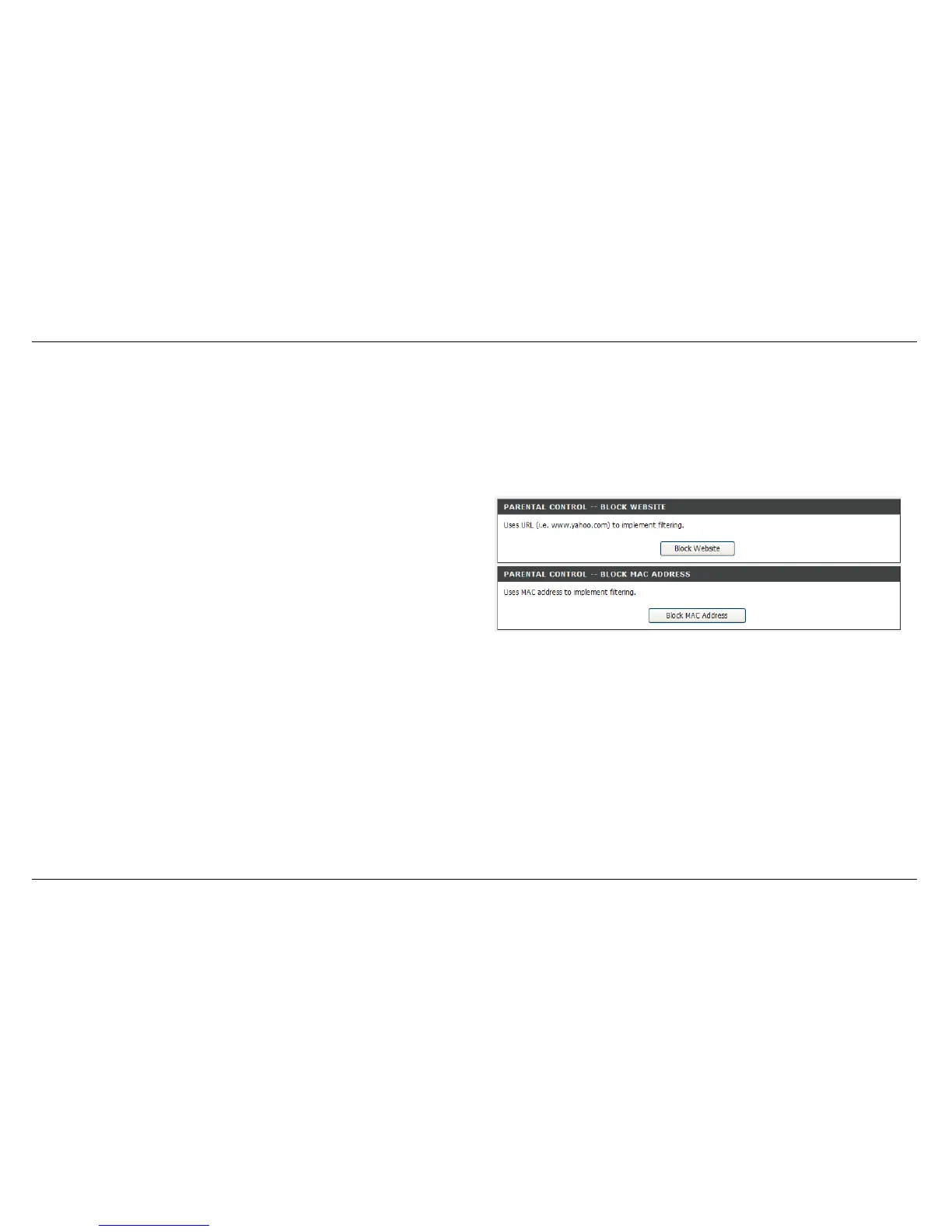
Parental Control provides the restricting Internet access. Block Websites allows you to quickly create a list of all web sites that you wish to stop
users from accessing. Block MAC Address restrictions Client or PCs connected to Router to access the Internet. Trusted Computers allowed
exclude a range of IP not restricted by Block Website
To access PARENTAL CONTROL setting windows, click on the PARENTAL CONTROL button in the ADVANCED tab
PARENTAL CONTROL divided into BLOCK WEBSITE and BLOCK
MAC ADDRESS.



 To Next Page