Section 3 - Configuration
D-Link DSL-2750B User Manual
73
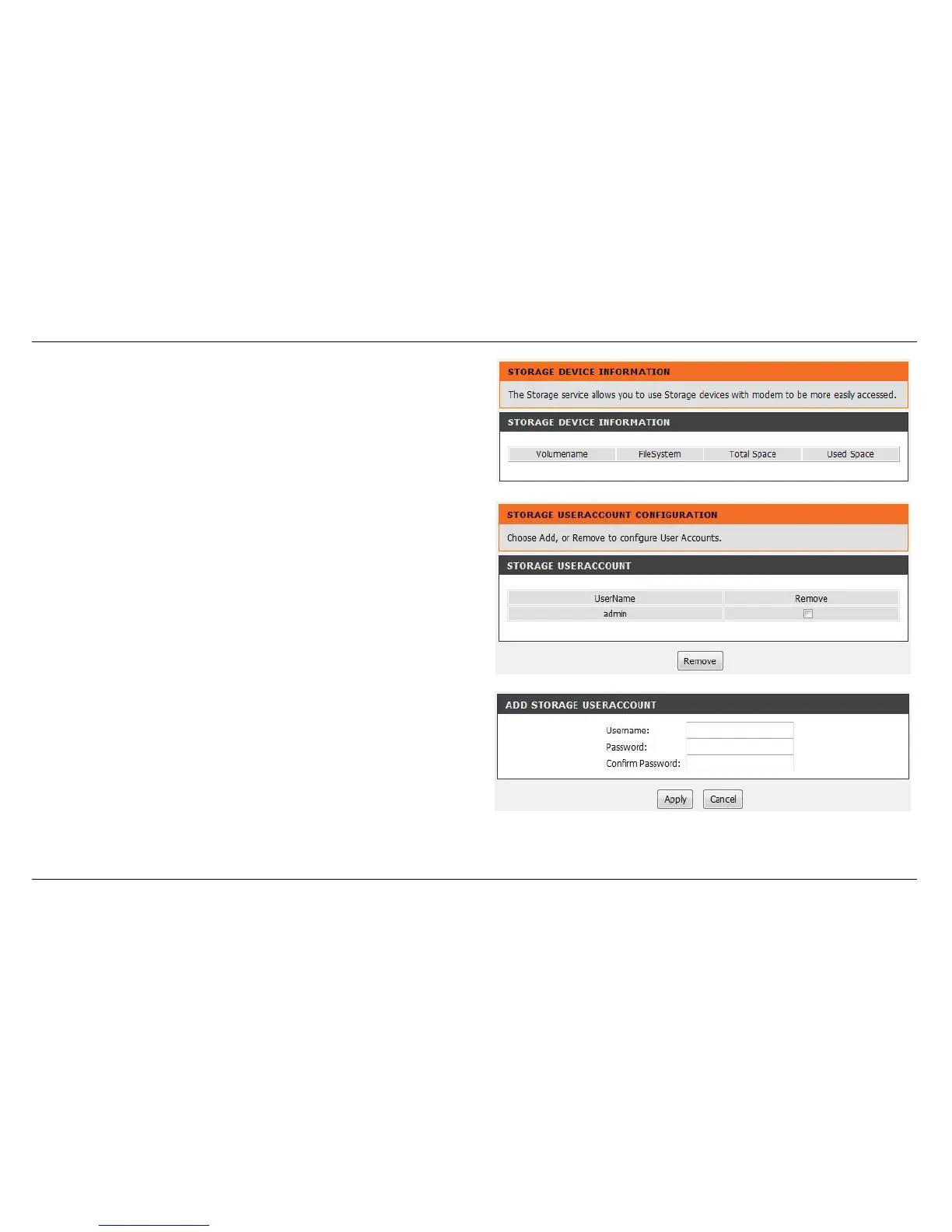
STORAGE DEVICE INFORMATION
First connect your USB Storage devic e to the USB port, this page will be
shown, the information including File System, Total Space and Used
Space.
STORAGE USER ACCOUNT CONFIGURATION
Click Add to add a new user . Set a valid Username that access CPE’ s
samba server. Enter Password and Confirm Password.
Click the Apply button to apply settings.



 To Next Page