Section 3 - Configuration
D-Link DSL-2750B User Manual
85
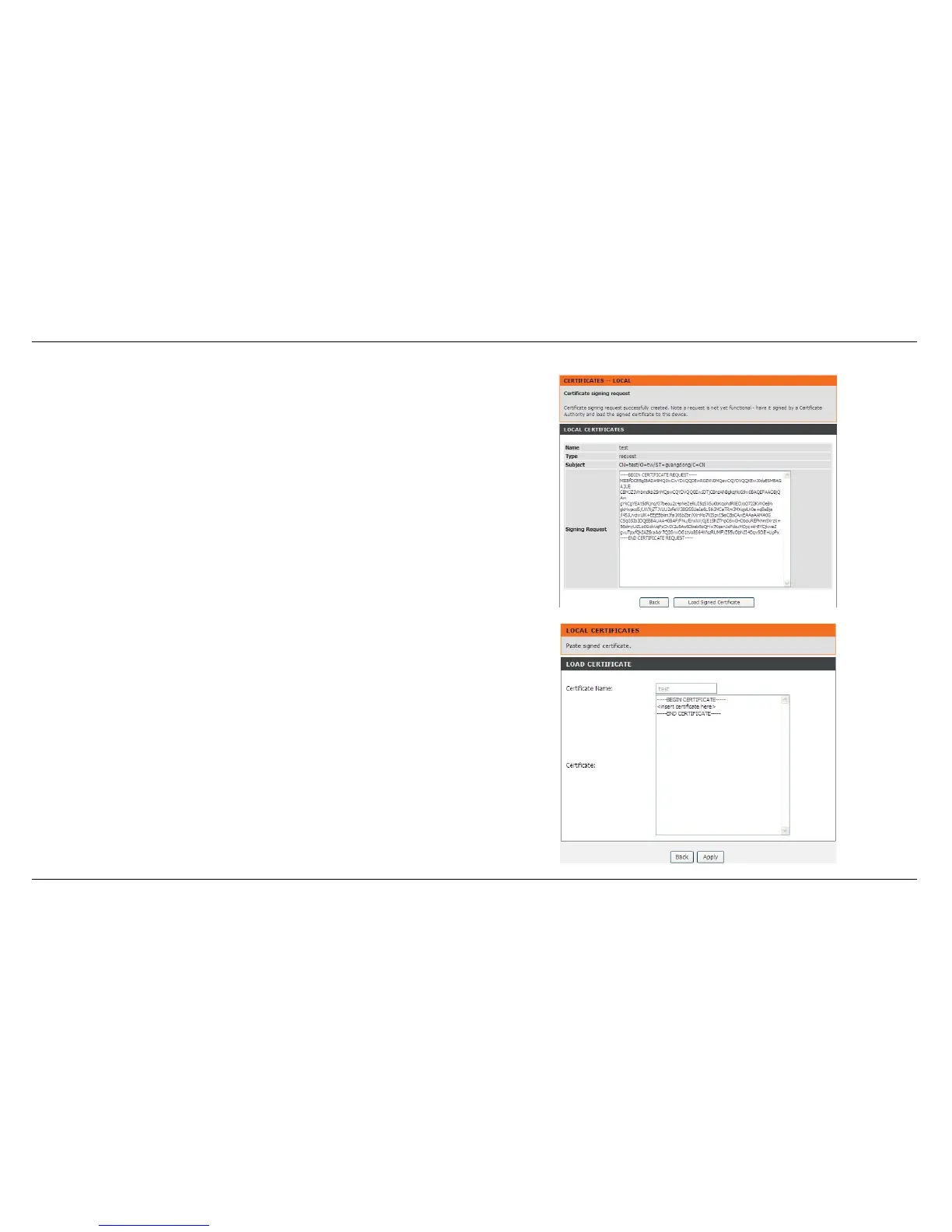
LOCAL CERTIFICATES
The certificate request needs to be submitted to a certificate authority,
which will sign the request. Then the signed certificate needs to be loaded
to the DSL router.
Click Load Signed Certificate to go to next setting.
In LOAD CERTIFICATE, paste the signed certificate, and click the Apply
button. A new certificate is created then.



 To Next Page