16D-Link DSL-3785 User Manual
Section 3 - Getting Started
Setup Wizard (continued)
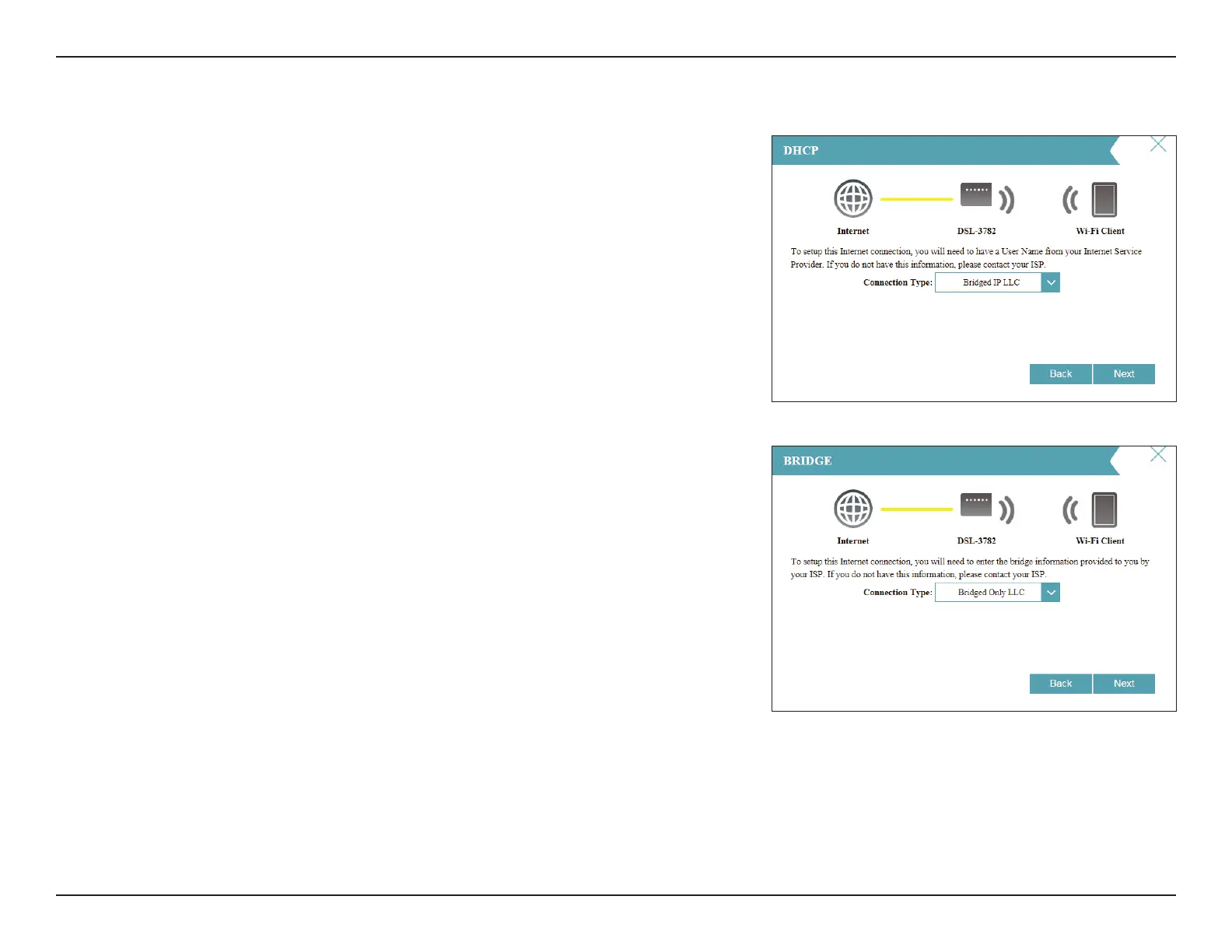
If the router detected or you selected , choose
the Connection Type if asked. Click Next to continue.
If you selected Bridge, choose the Connection Type if asked. Click Next to
continue.



 To Next Page