15D-Link DWA-125 User Manual
Section 2 - Installation
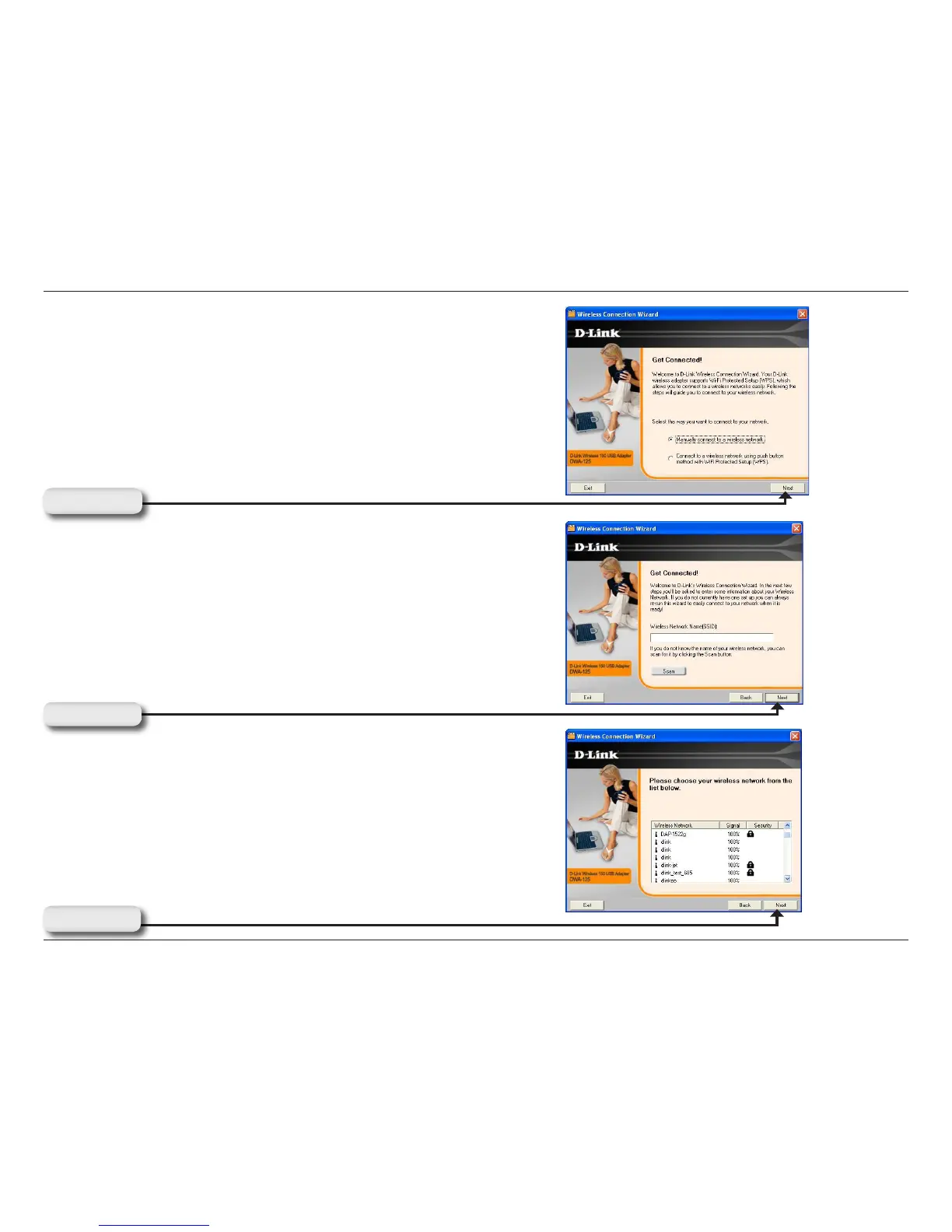
To manually connect to your wireless network, select Manually
connect to a wireless network and then click Next.
Click Next
Click the Scan button to display a list of wireless networks (site
survey). Click on the network name (SSID) and click Next.
Click Next
Enter the network name (SSID) manually. If you enter the SSID
incorrectly, you will automatically be brought to the site survey
page. Click Scan to display the site survey page.
Click Next



 To Next Page
 Loading...










