17D-Link DWA-125 User Manual
Section 3 - Configuration
Configuration
This section will show you how to configure your new D-Link wireless adapter using the D-Link Utility as well as the
Windows
®
XP Zero Configuration Utility and Vista WLAN Autoconfiguration.
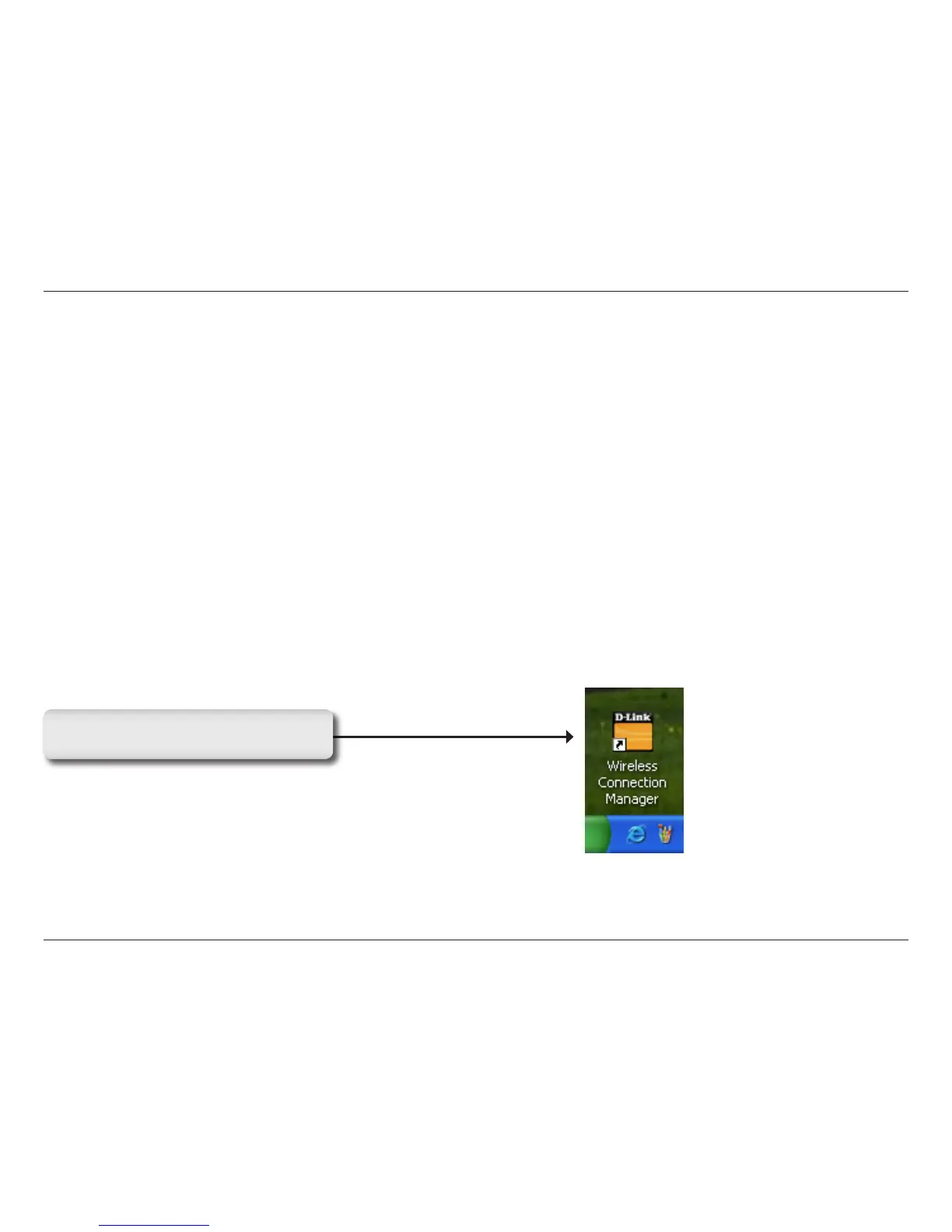
D-Link Wireless Connection Manager
The D-Link DWA-125 uses the Wireless Connection Manager as the management software. The manager provides
the user an easy interface to change any settings related to the wireless adapter. Clicking on the Wireless Connection
Manager icon on the desktop will start the Configuration.
If you are using Windows
®
Vista
™
please skip to page 27 or Windows
®
XP skip to page 29.
Double-click the Wireless Connection
Manager icon on your desktop.



 To Next Page
 Loading...










