37D-Link DWA-125 User Manual
Section 4 - Wireless Security
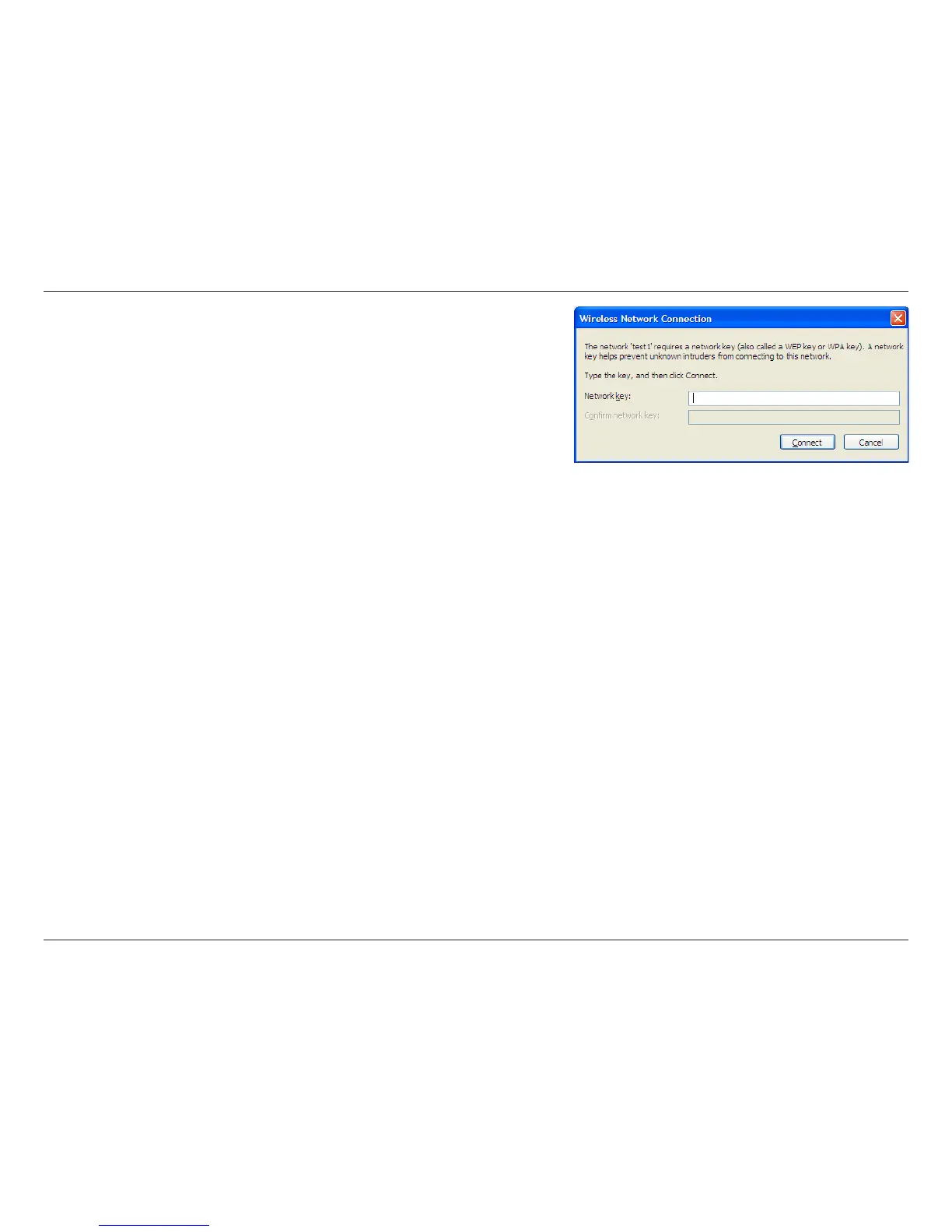
3. The Wireless Network Connection box will appear. Enter the
WPA-PSK passphrase and click Connect.
It may take 20-30 seconds to connect to the wireless network. If the
connection fails, please verify that the WPA-PSK settings are correct.
The WPA-PSK passphrase must be exactly the same as on the
wireless router or access point.



 To Next Page
 Loading...










