6
ENGLISH
SETUP PRELOADED DRIVERS
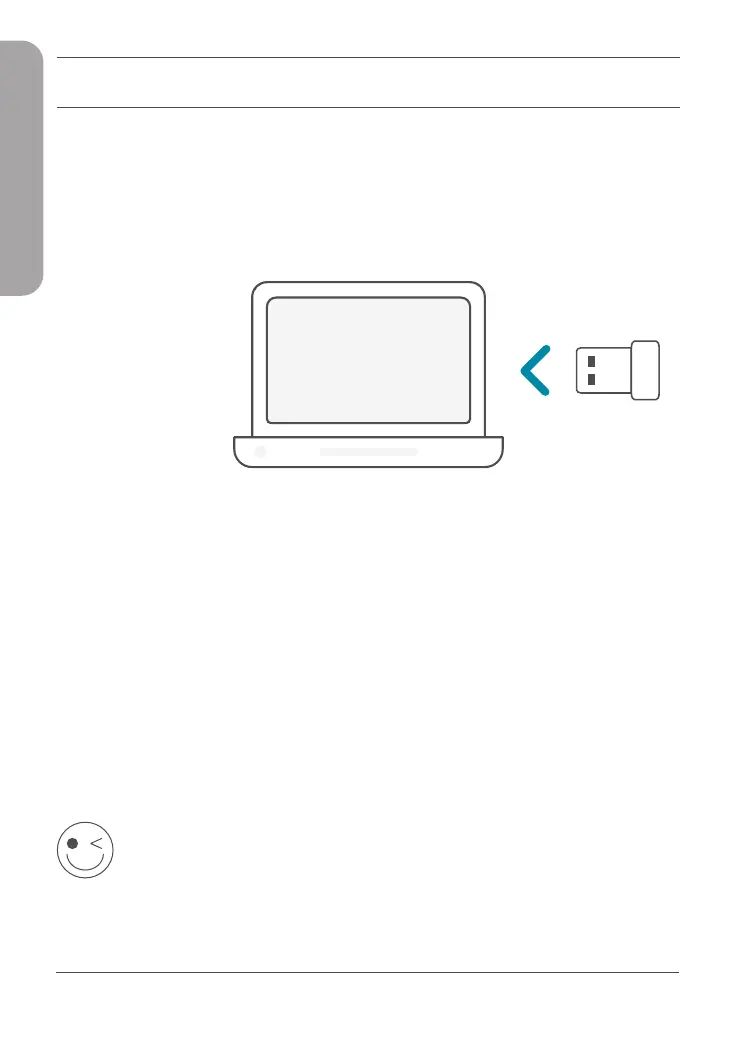
Plug the Wi-Fi adapter into your computer. A prompt will direct you
to the Wi-Fi adapter’s internal storage.
Note: If the prompt does not appear, use a file manager to navigate
to the Wi-Fi adapter’s storage.
1 /
Run the file labeled as Setup.exe. Follow the wizard’s instructions
to complete the setup.
2 /
ENJOY!
You’re all good to go! Connect your computer to your network
using the Wi-Fi Name (SSID) and password of the Wi-Fi network you
wish to connect to.



 To Next Page
 Loading...










