37D-Link DWA-171 User Manual
Section 5 - Wireless Security
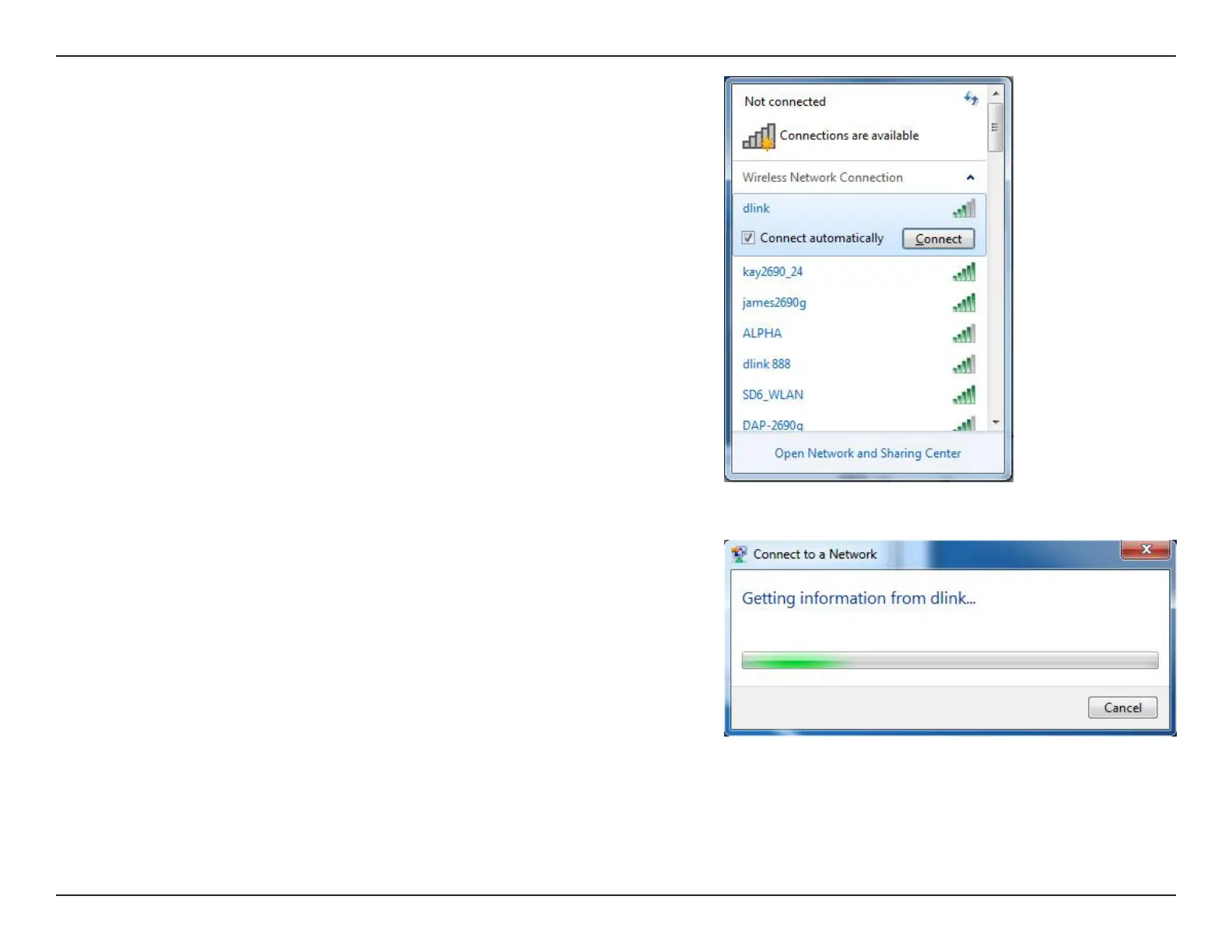
3. Highlight the wireless network (SSID) you would like to connect to and click
the Connect button.
If you get a good signal but cannot access the Internet, check your TCP/IP
settings for your wireless adapter. Refer to the Networking Basics section in
this manual for more information.
4. The following window appears while your computer tries to connect to the
router.



 To Next Page
 Loading...










