6D-Link DWM-157 User Manual
SMS SERVICE
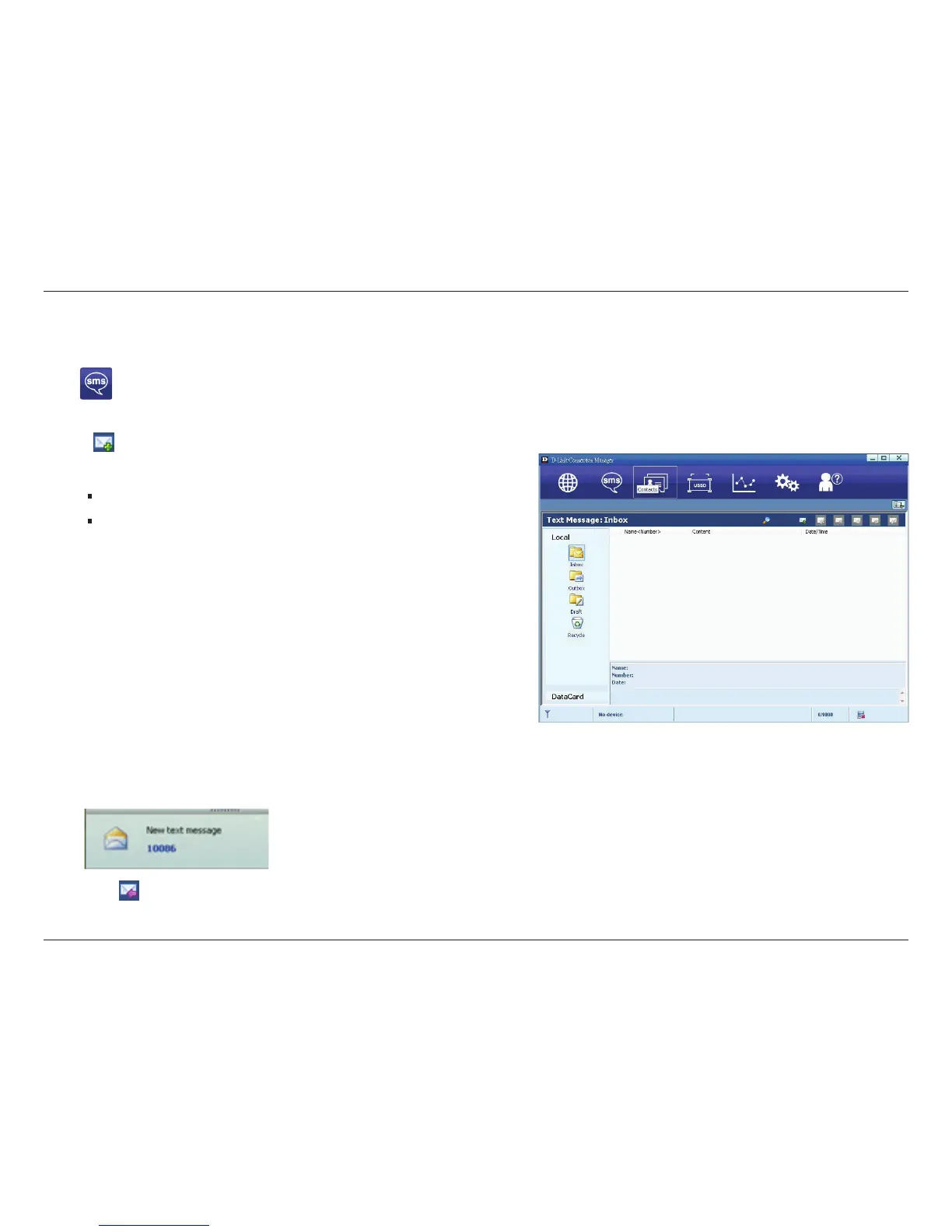
Click to enter SMS (Short Message Service) service interface.
1. Creating and sending a message.
Click :
• Input the recipient number by one of the following options:
Enter the number directly;
Click Send to, choose the recipient number from the
phonebook and add to the sending list , then click OK.
• Enter the message content;
• Click Send or Save to Draft. The message will be
saved in the Draft when failed to send.
Note:
•
You can group send a message at most 100 recipients;
• Each number should be separated by “ , ” ;
• The message cannot expand 2,048 characters at most.
2. Inbox
•
The following prompt box will be displayed when received a new message;
• Reply : Access the edit interface, write the content, click Send or Save to Draft;


 To Next Page