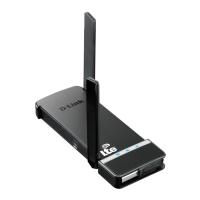
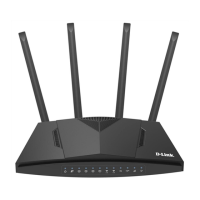
DWR-921 Quick Installation Guide
5. On the VoIP page, select the Is an IP phone connected to the
device checkbox.
6. Select a free LAN port for connecting your IP phone.
7. If the VoIP service is provided via a VLAN channel, select the Use
VLAN ID checkbox and fill in the VLAN ID field.
8. Click the NEXT button.
39



 To Next Page