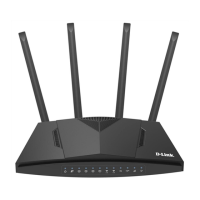
DWR-953 Wireless AC1200 4G LTE Router
with Gigabit Ethernet Ports
User Manual
Overview
LED Mode Description
2G/3G
Solid green
2G/3G network registration is successfully done.
Blinking green
Searching for a 2G/3G network.
No light
No registration in a 2G/3G network.
LAN
Solid green
The cable is connected to a LAN port.
Blinking green
Data transfer through one or several LAN ports.
No light
The cable is not connected to a LAN port.
WAN
Solid green
The cable is connected to the WAN port.
Blinking green
Data transfer through the WAN port.
No light
The cable is not connected to the WAN port.
SMS
Solid green
An unread message (or messages).
No light
No unread messages.
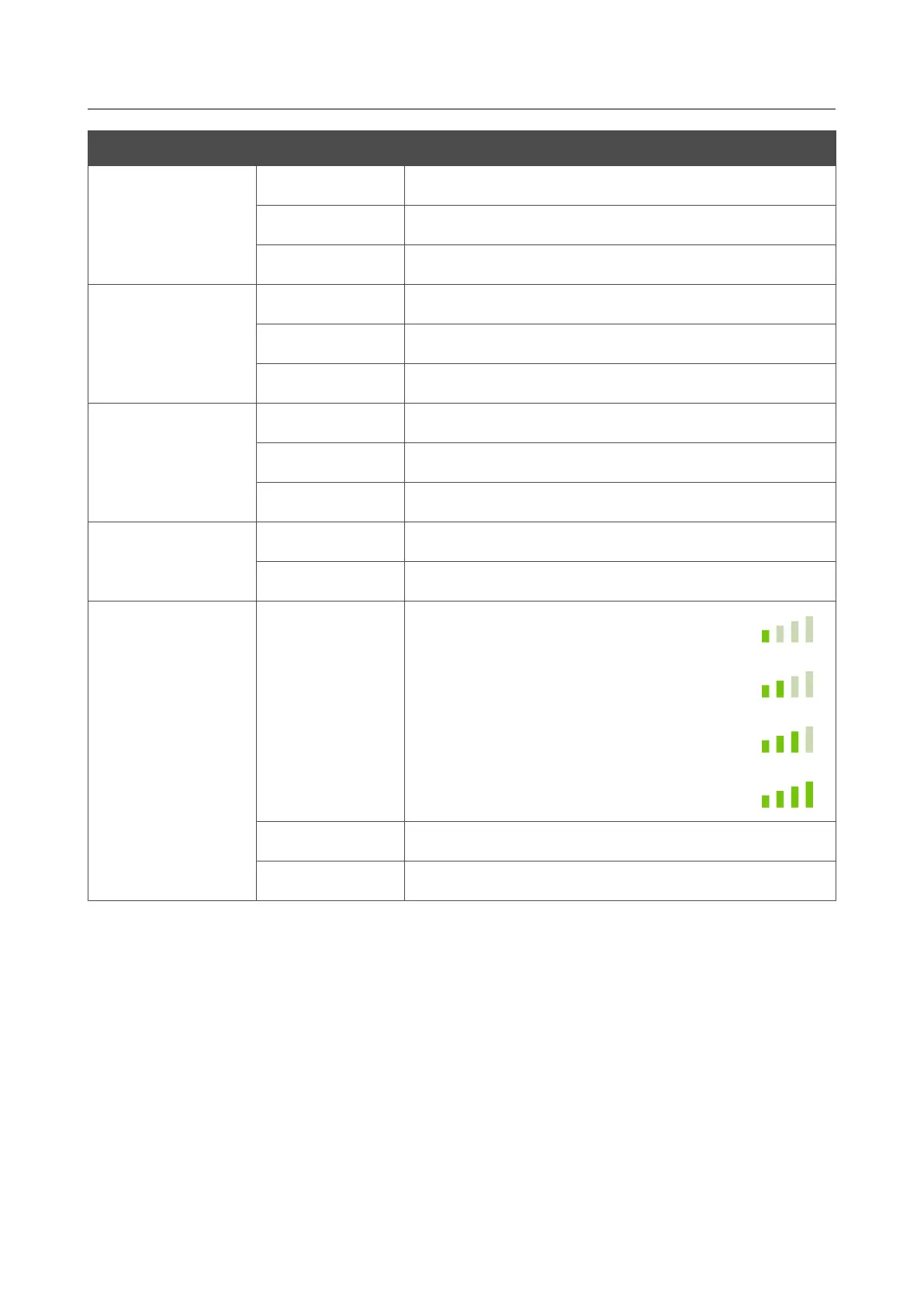
SIGNAL STRENGTH
Solid green
Poor signal strength.
Fair signal strength.
Good signal strength.
Excellent signal strength.
Blinking green
Searching for a mobile operator network.
No light
The SIM card is not installed or is blocked.
In case the POWER, 5GHz, 2.4GHz, 4G, 2G/3G, SMS, and SIGNAL STRENGTH LEDs are
fast blinking green at the same time, the device is in the emergency mode. Power the device off and
on. If the device is loaded in the emergency mode again, restore the factory default settings via the
hardware RESET button.
Page 13 of 264



 To Next Page