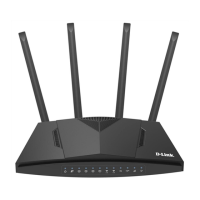
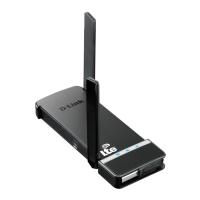
DWR-953 Wireless AC1200 4G LTE Router
with Gigabit Ethernet Ports
User Manual
Installation and Connection
4. In the opened window, right-click the relevant Local Area Connection icon and select
the Properties line in the menu displayed.
Figure 7. The Network Connections window.
Page 22 of 264



 To Next Page