115D-Link G415 User Manual
Section 5 - Quick VPN
Connect or Disconnect
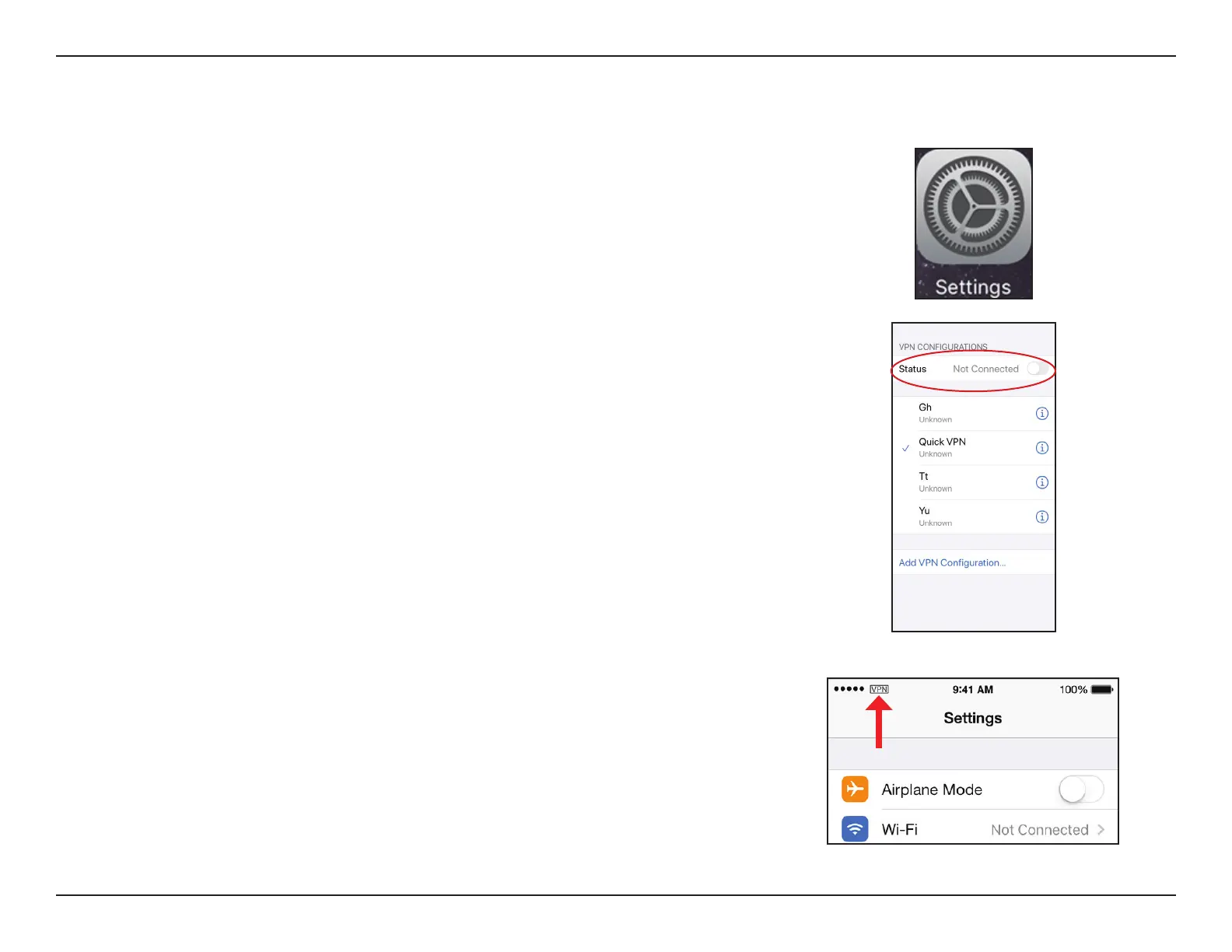
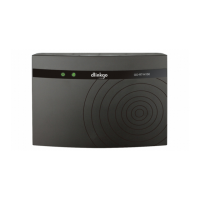
To connect or disconnect from to your Quick VPN server, go to Settings >
VPN and tap the button next to VPN Status.
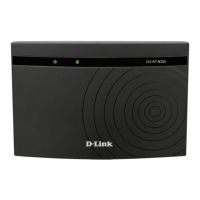
The VPN icon will appear in the notication area at the top of your screen
indicating that your device is currently connected to the Quick VPN server.










 To Next Page