89D-Link ShareCenter Shadow DNS-325 User Manual
Section 4 - Configuration
Step 4.
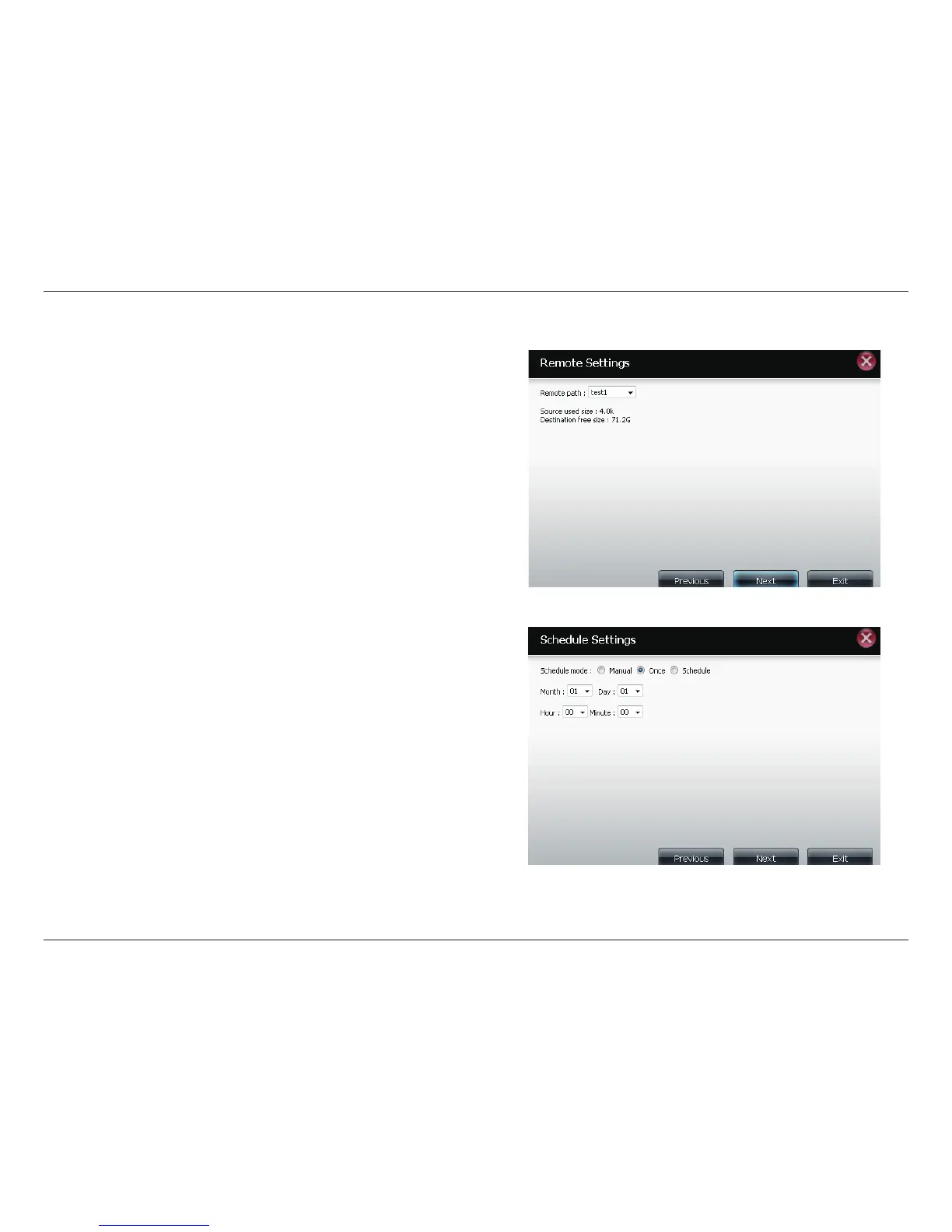
Remote
Settings
Remote Path: Using the browse button, select the file
system (folder) path to the remote target or source system
for backup.
Step 5
Schedule
Settings
Scheduled Mode:
Manual: Check either yes or no selection below to start the
backup (yes) immediately on completion of the wizard or
(no) manually start the backup from the Remote Backup list.
Once - select this option to run the Remote Backup once at
a specific date and time set here.
Scheduled: select this option to set the backup to occur
daily, weeklymonthly per a specific schedule.



 To Next Page
 Loading...










