4
DRAWING AND PART FILE
MODEL
NAME:
TRAY_EXPLODED(EPSON)_NO_IR
MODEL
LOCATION:
S:\Engineering\Solidworks Files\EPSON IDEA\INSTRUCTIONS\
SHEETS:
1 OF 1
THE INFORMATION AND DESIGNS CONTAINED IN THIS DRAWING ARE CONFIDENTIAL
AND PROPRIETARY PROPERTY OF MILESTONE AV TECHNOLOGIES NEITHER THIS
DESIGN NOR ANY INFORMATION CONTAINED IN THIS DRAWING MAY BE
REPRODUCED OR DISCLOSED TO OTHERS WITHOUT EXPRESS WRITTEN CONSENT
OF MILESTONE AV TECHNOLOGIES.
THIS PRINT SUPERSEDES ANY
PRINT DATED PRIOR TO:
PART NO:
26206
5/30/2014
REVISIONS
REV.
DESCRIPTION
CHNGD BY:
DATE:
APPR'D BY:
TOLERANCES:
DECIMAL:
.XX = ±.010
.XXX = ±.005
FRACTIONAL:
= ±.015
ANGULAR:
= ±1°
1:18
DRAWN BY:
ADW
DATE:
4/16/2014
APP'D BY:
DATE:
X.XXXX
1/19/2011
MATERIAL NO:
MULIT
FINISH:
TYPE OF FINISH
sw
NAME:
EXPLODED VIEW FOR INSTRUCTIONS
SCALE:
DA-LITE SCREEN CO.
WARSAW, INDIANA, USA
PART NO:
26206
Assembly Instructions
1. Carefully unpack the unit and place on top of a clean work area.
The viewing surface must face up.
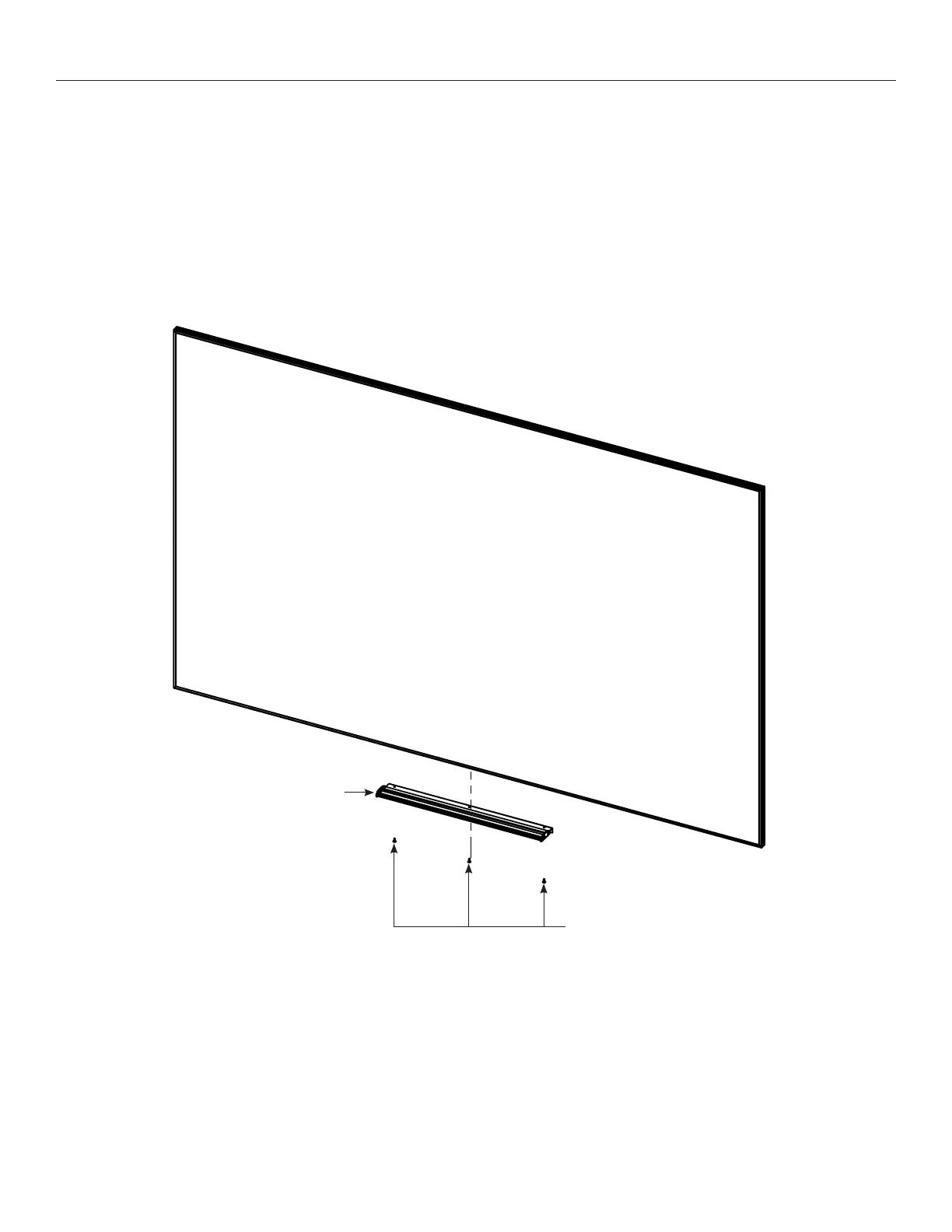
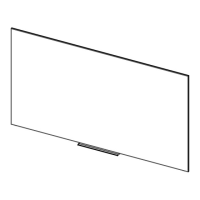
2. Center the marker tray to the bottom of the frame and attach it
with (3) of the provided #8 x ½" screws. Insert screws through the
tray into the groove (Figure 1).
#8 X ½" Screws
Figure 1
Marker Tray
Front




 To Next Page