EasyManua.ls Logo

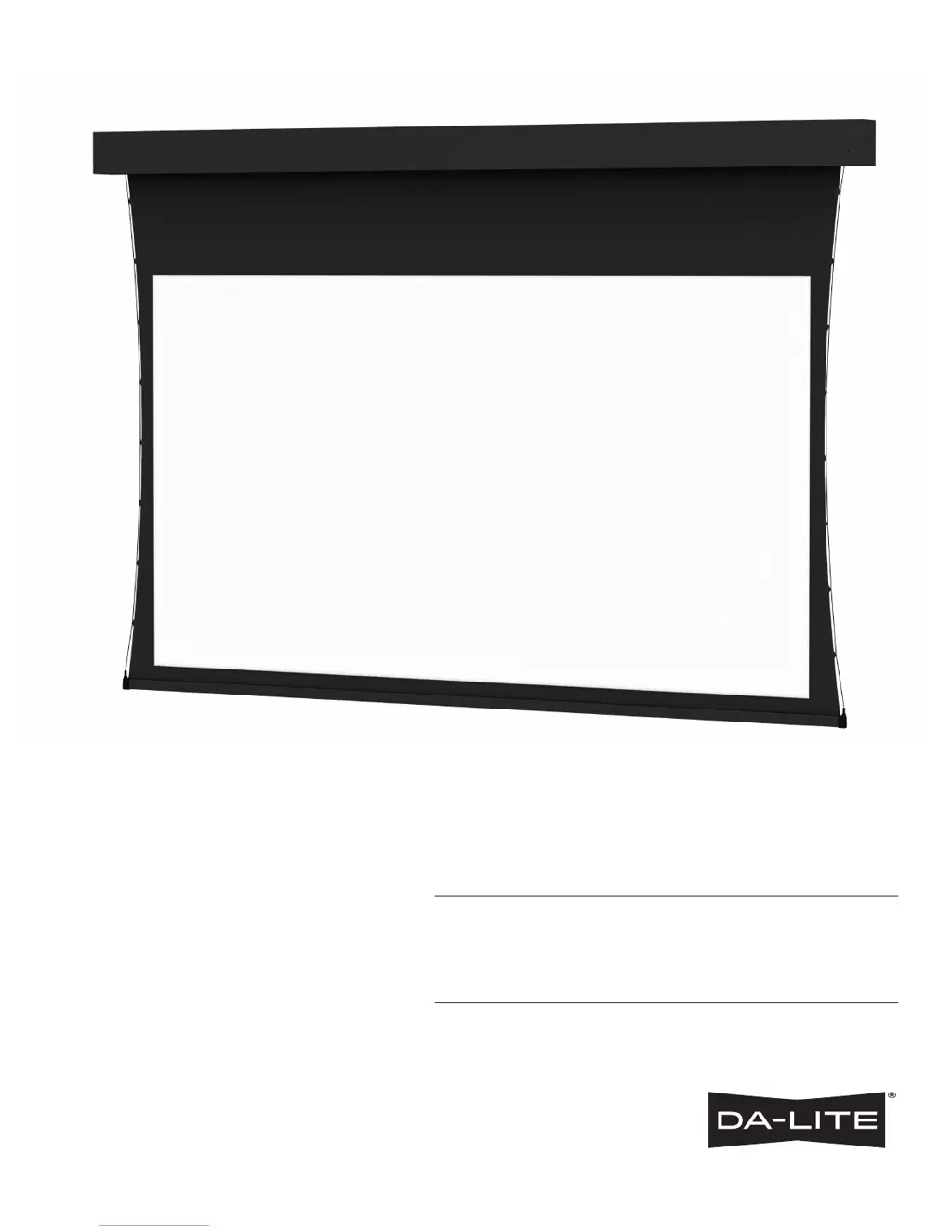
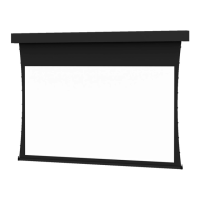
Da-Lite TENSIONED PROFESSIONAL ELECTROL - User Manual

Da-Lite TENSIONED PROFESSIONAL ELECTROL
8 pages
Print Icon
To Next Page IconTo Next Page
Loading...
INSTRUCTION BOOK FOR
Tensioned Professional Electrol
®

Questions and Answers

  • S
    Shannon HodgesAug 10, 2025
    What to do if my Da-Lite Projection Screen won't operate and the motor doesn't hum?
    • P
      Pamela ThomasAug 11, 2025
      If your Da-Lite Projection Screen isn't working and the motor isn't humming, start by checking the fuse and replacing it if it's blown. Also, ensure the circuit breaker hasn't tripped and reset it if necessary. Verify that power is reaching the operating switch or junction. If there is power at the junction box, tighten any loose wire connections. If the thermal overload has tripped, let the motor cool down for about 15 minutes before trying again. Inspect the wiring for breaks in the “down” or “up” positions, check for continuity, and reconnect any broken wires. If none of these steps work, the motor, limit switch, or capacitor might be defective, or the capacitor may have burned out, requiring replacement of the motor assembly.
  • S
    sthomasAug 20, 2025
    Why does my Da-Lite Projection Screen keep coasting?
    • W
      William ClarkAug 20, 2025
      If your Da-Lite Projection Screen coasts, it indicates a defective brake. The suggested solution is to replace the motor assembly.
  • K
    Katie VasquezAug 30, 2025
    How to fix noise coming from Da-Lite Projection Screen?
    • W
      William WilsonAug 30, 2025
      If your Da-Lite Projection Screen is making excessive noise beyond a low-pitched hum, it's likely due to gear noise. The suggested solution is to replace the motor assembly.

Summary

Important Safety Instructions

Pre-Installation

Installation

Hangers (If required)

Details on hanger placement and fitting into the ironing board notches.

Suggested Methods of Installation

Illustrates various methods for mounting the screen, including ceiling and wall types.

120 V Wiring Diagram

Schematic for connecting the screen to a 120V power supply via a switch.

240 VOLT WIRING DIAGRAM FOR STANDARD WALL SWITCH

Details for wiring the screen using a 240V wall switch.

Screen Adjustment

Troubleshooting

Screen will not operate and motor does not hum

Troubleshooting steps for when the screen fails to power on or operate.

Incorrect stopping position in downward direction

Resolving issues with the screen stopping incorrectly when lowering.

Incorrect stopping position in upward direction

Resolving issues with the screen stopping incorrectly when raising.

Noise

Addressing noise issues, noting that a low pitched hum is normal.

Coasting

Troubleshooting the screen continuing to move after the stop command.

LIMITED ONE YEAR WARRANTY ON DA-LITE PRESENTATION PRODUCTS

Da-Lite TENSIONED PROFESSIONAL ELECTROL Specifications

General IconGeneral
BrandDa-Lite
ModelTENSIONED PROFESSIONAL ELECTROL
CategoryProjection Screen
LanguageEnglish

Related product manuals