DIGITAL INDICATOR
DN500N
7
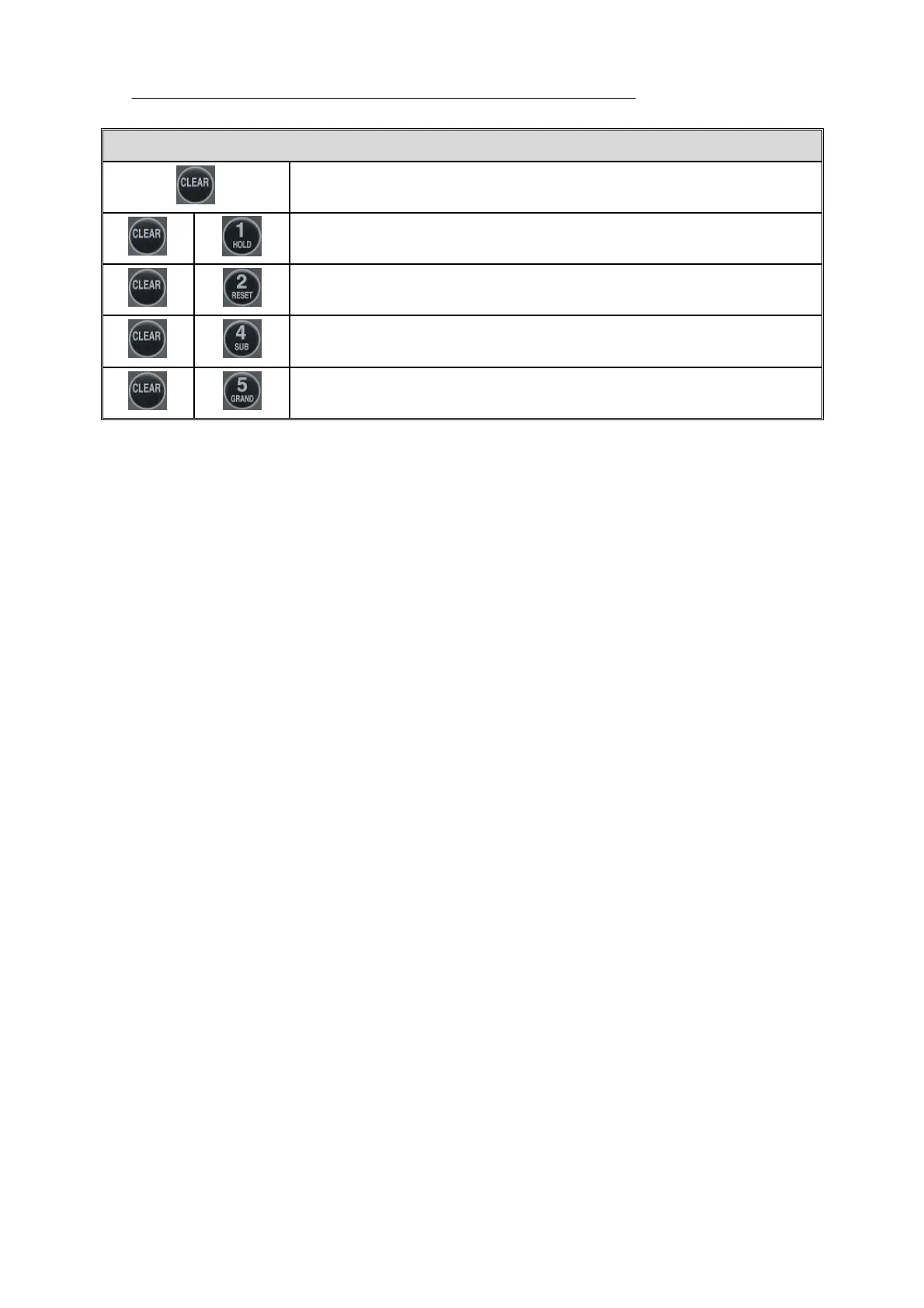
※ HIDDEN KEY
You can change key number if you press the other key within 2 seconds
after you press “CLEAR” Key.
To display and change TIME
To display and change DATE
To delete SUBTOTAL PRINTER DATA
To delete TOTAL PRINTER DATA



 To Next Page