7
ALIGNMENT INSTRUCTIONS
Microcontroller configuration : Service mode
To switch the TV set into service mode please see instruction below.
1 - Select pr. number 91
2 - Adjust sharpness to minimum and exit all menu.
3 - Quickly press the key sequence : RED - GREEN - menu
To exit SERVICE menu press menu key or Std By key.
In Service Mode press “OK” to stop the microcontroller i.e. the I2C bus is free and the set can be controlled by external equipment.
Press “OK” again to allow the microcontroller to control the set again
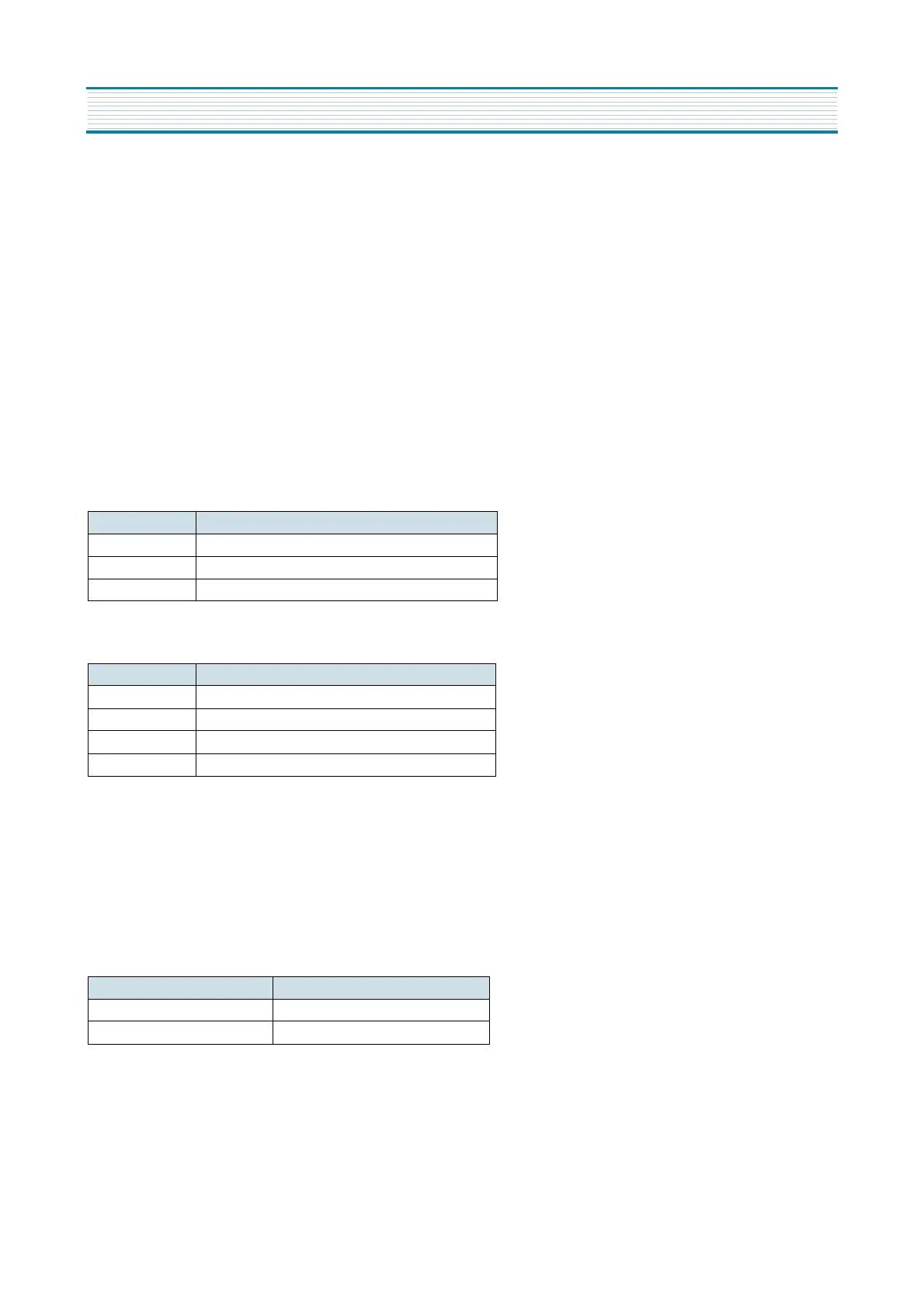
Microcontroller configuration :
Tuner Option
System Option
TV set Alignment
1 - G2 alignment
- Set TV in NORMAL I mode
- TV in AV mode without video signal ? Black screen.
- TV preset with WP Red, WP Green and WP Blue equal to 32.
- TV preset with Black R, Black G equal to 8.
- Adjust screen volume ( on FBT ) such that the highest cathode cut-off voltage measured on CRT board, is Vcut-off ± 5V.
2 - White balance
- Select a dark picture and adjust Black G and Black R to the desired colour temperature.
- Select a bright picture and adjust WP Red, WP Green, WP Blue to the desired colour temperature.
Option Tuner maker
DW DAEWOO / SAMSUNG
PH1 PHILIPS ( Video processor AGC )
PH2 PHILIPS (tuner internal AGC )
Option System
TF PAL - B/G
TK PAL/SECAM - B/G, D/K (set for Russia)
TU PAL - I/I
TA PAL/SECAM - B/G, SECAM - L/L’
Screen size Vcut-off
14” 115 V
20” & 21” 125 V


 To Next Page