16
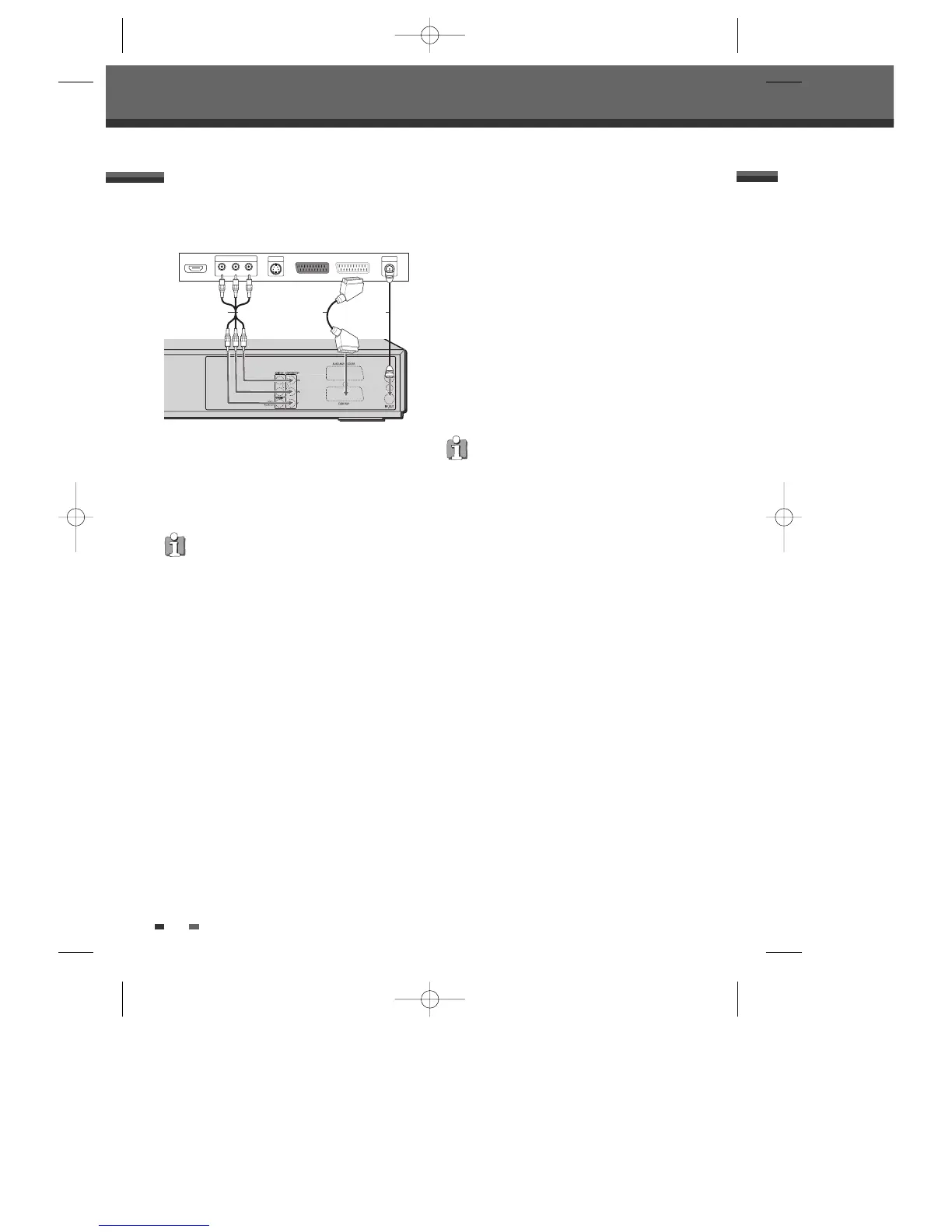
Component Video Connection
• If your television is a high-definition or ‘digital
ready’ television, you may take advantage of the
DVD Recorder + VCR’s Progressive Scan output
for the highest video resolution possible.
• If your TV does not accept the Progressive Scan
format, the picture will appear scrambled.
1 Connect the COMPONENT VIDEO OUT jacks on
the DVD Recorder + VCR to the corresponding in
jacks on your TV using a Y Pb Pr cable (C) if the
component (Y, Pb, Pr) is available on your TV.
2 Connect the Left and Right AUDIO OUT jacks
from the DVD Recorder + VCR to the left/right
audio in jacks on your TV using the audio cables.
Connections
• Be sure to set the DVD Recorder + VCR to
Progressive Scan mode by changing the
‘Video Output’ in the Setup Menu; see page
24.
• Progressive Scan does not work with the RF,
Audio/Video or S-Video connections.
Scart Connection
1 Plug a scart cable into the scart socket EURO
AV1 at the back of the DVD Recorder + VCR and
the corresponding scart socket at the back of the
TV set. (V)
2 Plug a scart cable into the blue scart socket
EURO AV2/DECODER at the back of the DVD
Recorder+VCR and the corresponding scart
socket at the back of a satellite decoder or set top
box.
Connecting a TV
Choose one of the following TV connections,
depending on the capabilities of your equipment.
RF Connection
Connect the RF OUT (TO TV) jack on the DVD
Recorder + VCR to the antenna in jack on your TV
using the supplied 75-ohm RF cable (R).
This set doesn’t have a modulator output.
However it still applies the RF through
Output.



 To Next Page