PLAYBACK
39
Audio CD Playback
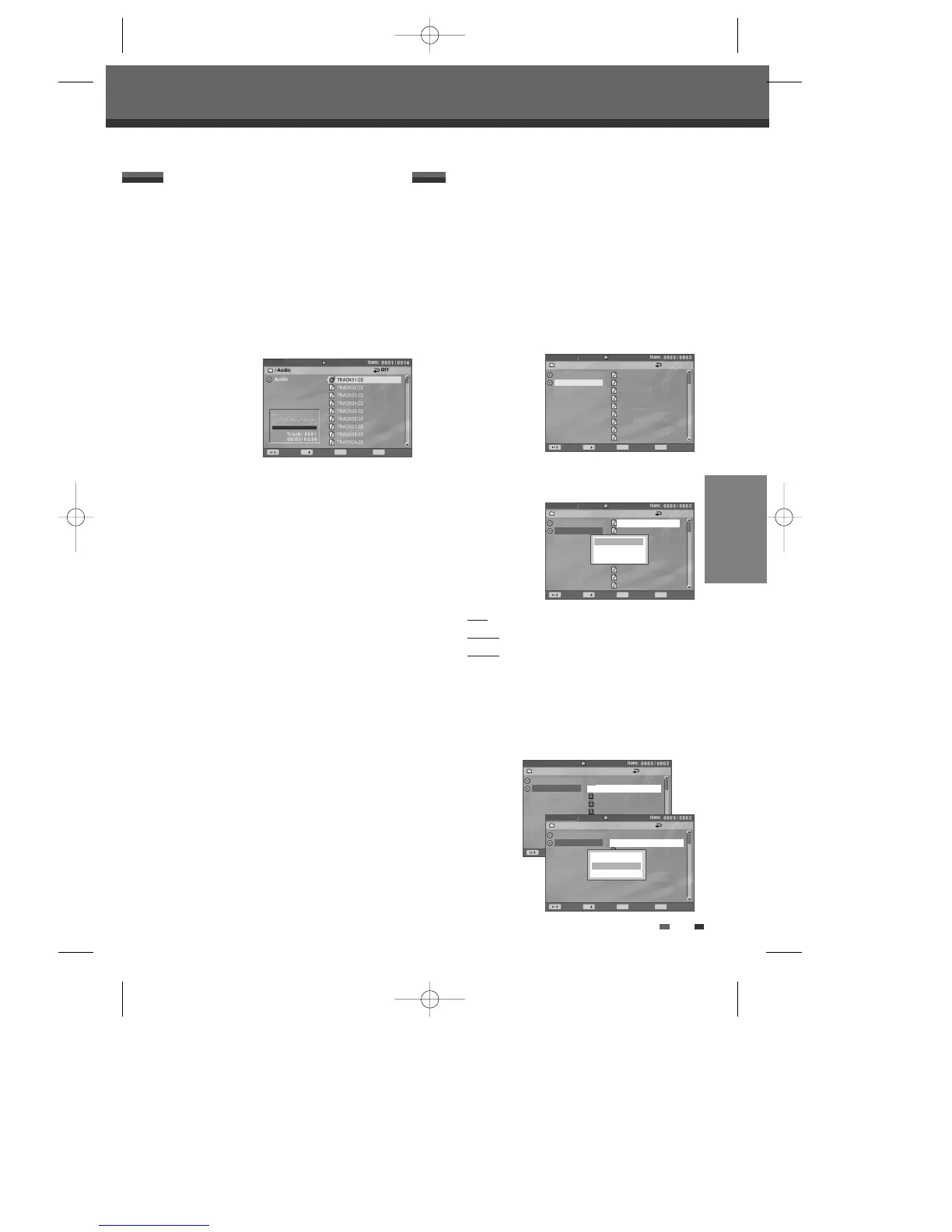
The DVD Recorder + VCR can play audio CDs on CD-
R/RW, DVD+R/RW, DVD-R/RW.
1 Insert the disc and close the tray.
2 The CD plays automatically. If it doesn’t playback,
press [PLAY].
3 Use […†] to select a track, then press [ENTER]
for the second menu. Select ‘Play’ on the second
menu or just press [PLAY].
Playback will stop at the end of the disc.
4 You can select 'Play', 'Playlist', and 'Cancel' on the
second menu.
For creating a playlist, check tracks by using [
√]
then press [ENTER] to activate the second menu.
Use [
…†] to select 'Playlist' and press [ENTER].
The usage of ‘Playlist’ is same with ‘MP3’.
5 While playing an Audio CD, use [√√] or [œœ] for
x2, x4, x8, x16, x32 speed playback.
6 Use [PLAY/PAUSE] to pause playback while the
disc is playing.
7 To stop playback at any time, press [STOP].
Audio CD
CDDA
Move Select Back Command
MENU ENTER
The DVD Recorder + VCR can play MP3 files on a
disc such as CD-R/RW, DVD+R/RW or DVD-R/RW.
1 Prior to playing MP3 files on disc, insert disc and
close the tray.
2 The DIsc media window appears automatically. If
it doesn’t appear, press [MENU] to bring up the
Media Browser.
3 Press [ENTER] and select the ‘Audio’ category
using [
…†], then press [√].
4 Use […†] to select a track or a file, then press
[ENTER] and the second menu will appear.
Play
: play the selected file.
Playlist
: add the selected file to playlist.
Cancel : cancel the third menu.
Select ‘Play’ on the second menu or just press
[PLAY].
Playback will stop at the end of the media.
5 If you want to add a file to the playlist, press [√]
while the file is selected.
MP3 Playback
Disc Media
Picture
Audio
01_32kbps.mp3
02_40kbps.mp3
03_48kbps.mp3
04_56kbps.mp3
05_64kbps.mp3
06_80kbps.mp3
07_96kbps.mp3
08_112kbps.mp3
09_128kbps.mp3
/Audio Off
Disc Media
Picture
Audio
/Audio Off
01_32kbps.mp3
02_40kbps.mp3
03_48kbps.mp3
04_56kbps.mp3
05_64kbps.mp3
06_80kbps.mp3
07_96kbps.mp3
08_112kbps.mp3
09_128kbps.mp3
Play
Playlist
Cancel
Move Select Back Command
MENU ENTER
Move Select Back Command
MENU ENTER
Playing a Picture or Audio files
Playing a Picture or Audio files
Disc Media
Picture
Audio
√
√
????.mp3
drink.mp3
??.mp3
drink.mp3
???.mp3
???-thens.mp3
/Audio Off
Move Select Back Command
MENU ENTER
Disc Media
Picture
Audio
√
√
????.mp3
drink.mp3
??.mp3
drink.mp3
???.mp3
???-thens.mp3
Play
Playlist
Cancel
/Audio Off
Move Select Back Command
MENU ENTER
DF-H3512P-UL¿ 2008.1.25 5:21 PM ˘ ` 39 mac001 1200DPI 100LPI



 To Next Page