Screen Adjustment
34
- You can enjoy various screens by adjusting Brightness, Contrast, Colour, Sharpness, etc to the user’s taste.
Note.
• Brightness: Adjusts the whole of screen brighter or darker.
• Contrast: Adjusts difference between brightness and darkness between objects and background on the
screen.
• Colour: Adjusts colour saturation.
• Sharpness: Adjusts outline of the screen smoothly or sharply.
• Colour Temp: Changing the tone of colour.
Normal: Normal white Warm : Reddish white Cool: Bluish white
• Tint actives when receiving a NTSC signal.
• The adjusted levels are stored automatically in Favourite mode.
When adjusting the screen to taste
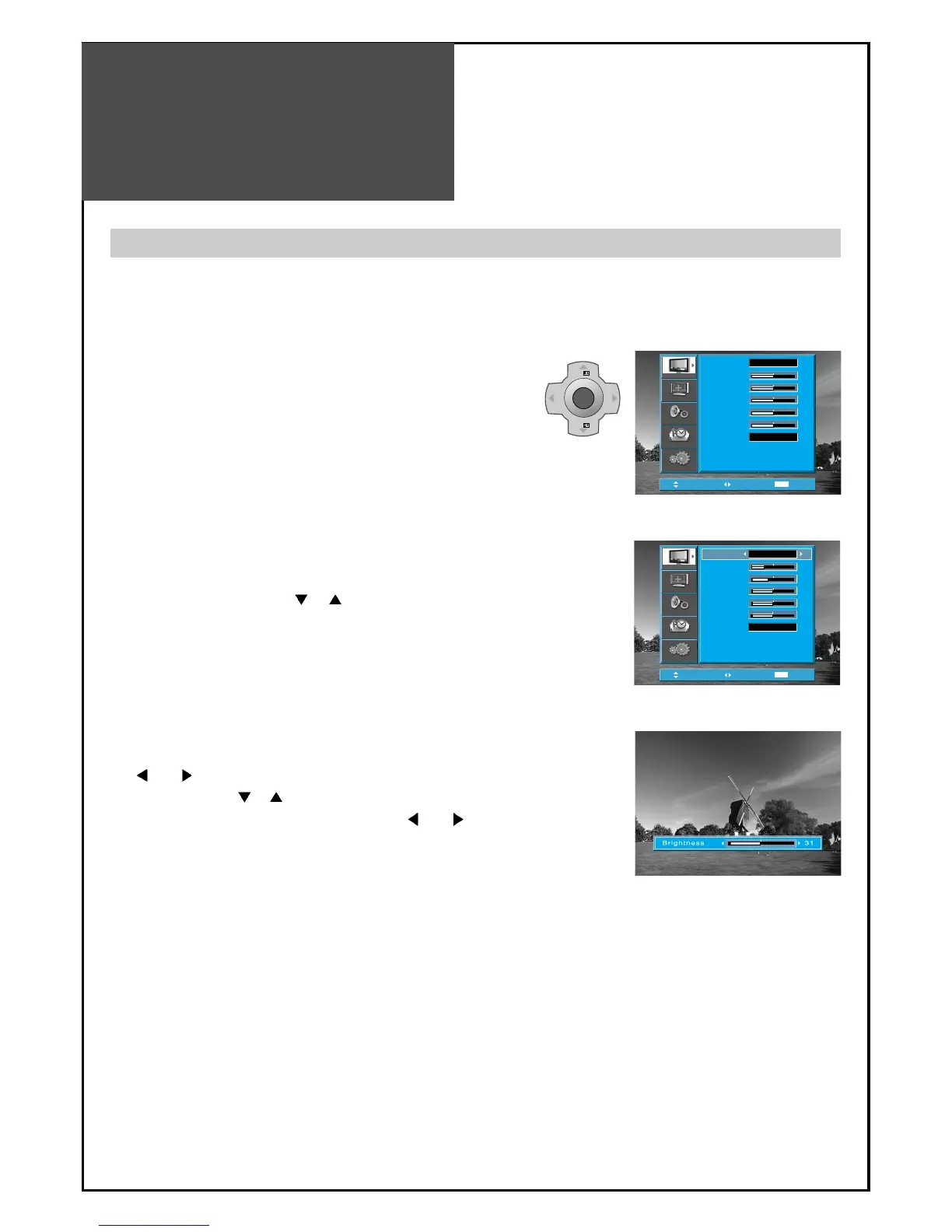
1. Select "PICTURE" by pressing the "MENU" button.
• The menu screen appears as follows.
2. Select and adjust each items.
• Move to the PICTURE menu.
• Whenever pressing the ”
PR ” button, you can
select in order Brightness, Contrast, Colour,
Sharpness and Colour Temp.
• The screen appears as on the right if pressing the
”
VOL ” buttons after selecting items desired to
adjust with the ”
PR ” buttons.
• You can adjust all items by pressing the ”
VOL ”
button.



 To Next Page