Note.
• During the Auto Adjust, you must not alter the screen on the monitor.
• During the moving picture, Auto Adjust is able to incorrectly work. So you must execute Auto Adjust in
still image.
• Auto Adjust works incorrectly on a part graphic card or picture.
•
When Auto Adjust is not correctly working, you can adjust with H/V position, and phase.
• When input signal is HD(576P,720P,1080i), Auto Adjust doesn't work.
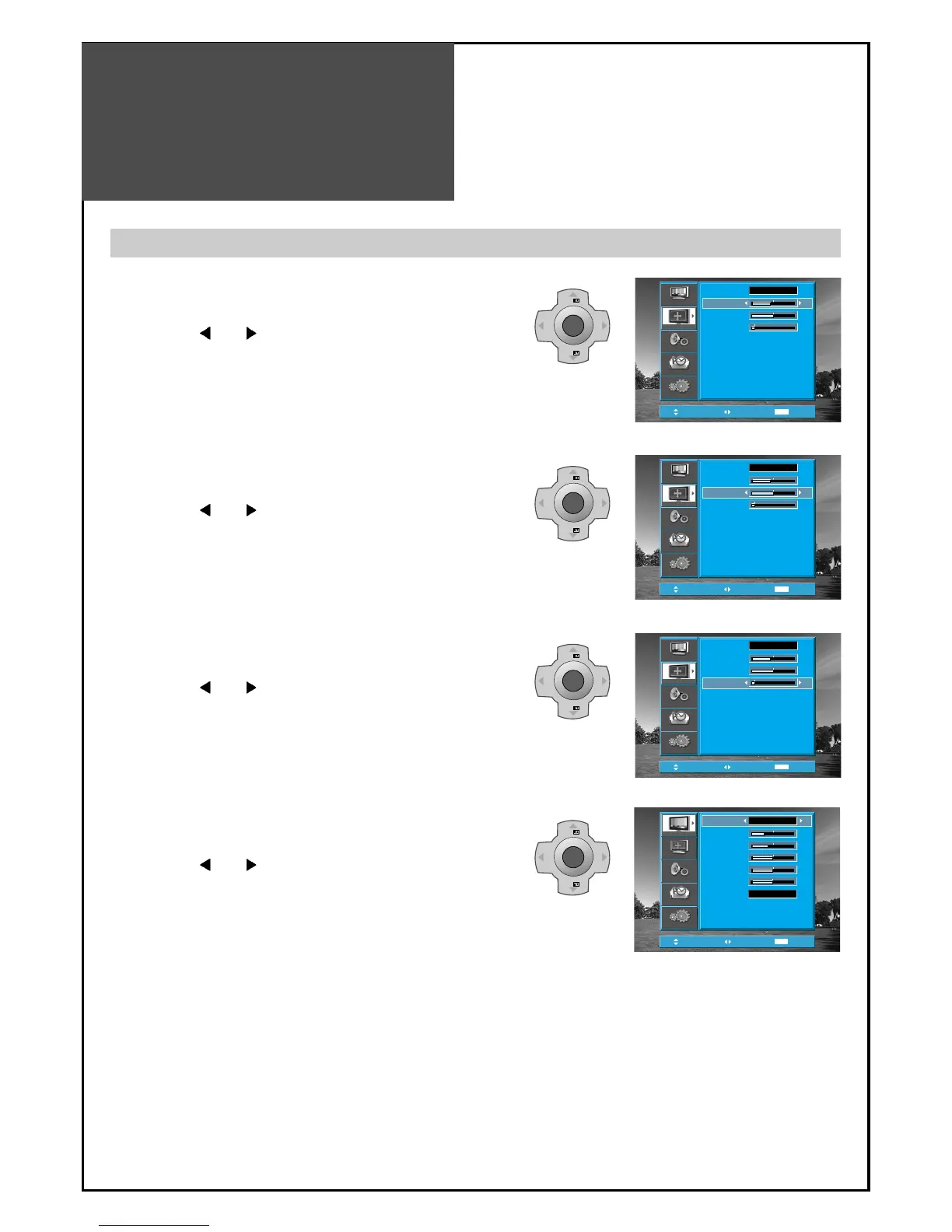
Adjustment of the screen in the PC mode
1. Adjustment of the H-Position
• Move to H-Position in the Screen menu.
• Press the ”
VOL ” buttons to adjust the horizontal
position of displayed image.
2. Adjustment of the V-Position
• Move to V-Position in the Screen menu.
• Press the ”
VOL ” buttons to adjust the vertical
position of displayed image.
3. Adjustment of the Phase
• Move to Phase in the Screen menu.
• Press the ”
VOL ” buttons to adjust the phase to get
a clear picture.
4. Auto Adjustment
• Move to Auto in the Screen menu.
• Press the ”
VOL ” buttons to detect optimal
resolution automatically.



 To Next Page