Sound Adjustment
39
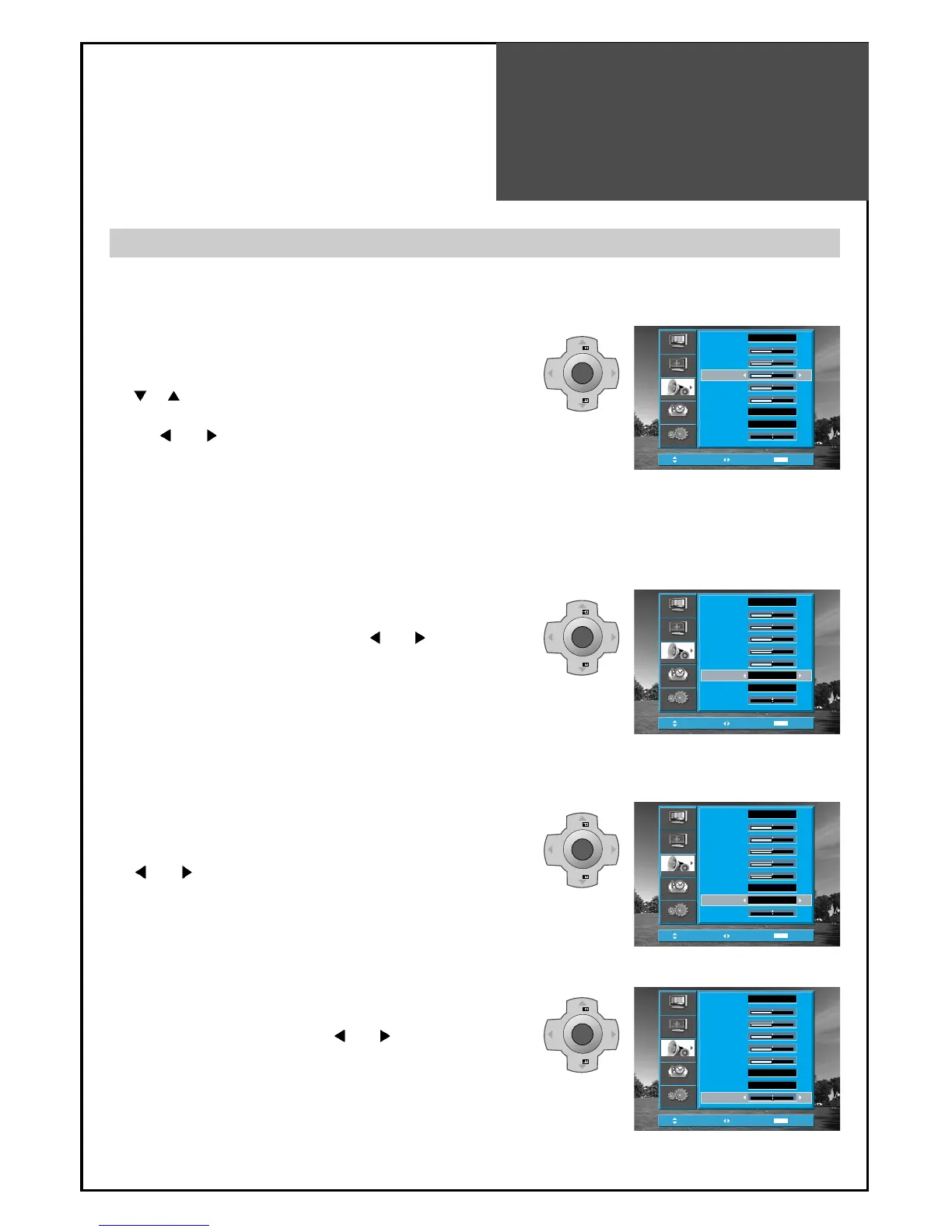
3. Select Dynamic bass Mode
• Move to Dynamic Bass in the Sound menu.
• Select either Dynamic Bass ON or OFF using the
”
VOL ” button.
• You can also operate this function using the
"DYNAMIC BASS" button on the Remote Control.
4. Select Balance Mode
• Move to Balance in the Sound menu.
• Select "Balance" by pressing ”
VOL ” button, then
the sound balance of left and right speaker is Adjusted.
When adjusting sound to taste
1. To adjust the audio equalizer
• Move to Equalizers in the Sound menu.
• Select and use the relevant frequency by pressing the
”
PR ” button.
• You can adjust the degree of the frequency by using
the ”
VOL ” button.
2. Select 3D PANORAMA Mode
• Move to 3D Panorama in the Sound menu.
• Select either On or Off using the ”
VOL ” button.
• You can also operate this function using the "3D
PANORAMA" button on the Remote Control.
Note:
•
Whenever you adjust the audio equalizer, it stores in the Favourite mode.
•
Equalizer: High quality sound range adjustment method used for audio product.
100Hz, 300Hz: Low sound range
1KHz, 3KHz: Middle sound range
10KHz: High sound range
Note :
•
3D PANORAMA: This function generates virtual surround sound from the left and right speaker by developing
the existing surround system function.
Note :
• Dynamic Bass: Using this function, you are able to enjoy the bass effect.
- The user can enjoy various sounds by adjusting Sound Mode, Equalizer, 3D Panorama, Dynamic Bass
and Balance.



 To Next Page