EasyManua.ls Logo

Daewoo DLP-26C2 - Page 40

Daewoo DLP-26C2
48 pages
Print Icon
To Next Page IconTo Next Page
To Previous Page IconTo Previous Page
Loading...
Sound Adjustment
40
Multi-Sound and Stereo
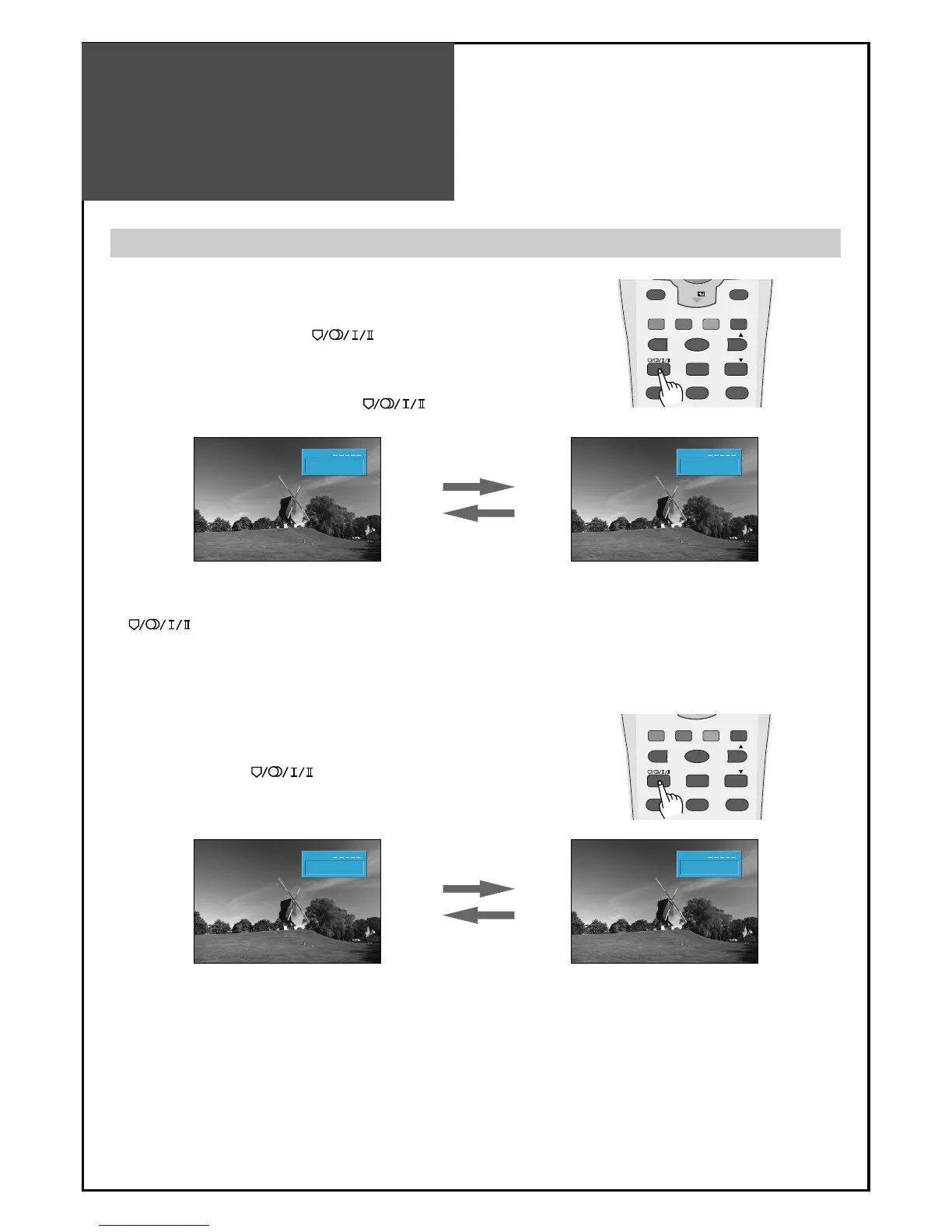
1. Mono Sound Selection
• During Stereo sound reception if the stereo is weak, you can switch
to MONO by pressing the button. Then the colour of
"MONO" character will change to Red. In Mono reception the depth
of sound is improved.
• To switch back to stereo, press the button again.
2. Adjustment of Bilingual sound
• In bilingual broadcast reception, you can switch from Dual 1 to Dual
2 by pressing the button repeatedly.

PR 19
Mono
Clock 12 : 00
PR 19
Mono
Clock 12 : 00
PR 19
Dual 1
Clock 12 : 00
PR 19
Dual 2
Clock 12 : 00
Note:
only works in RF mode.
P.MODE
STILL
3D PANORAMA P.PR
P. P R
P.STILL P.SWAP P.INPUT
PREV PR OK
PR
1 23
DYNAMIC BASS
P.MODE
STILL
3D PANORAMA P.PR
P. P R
P.STILL P.SWAP P.INPUT
1 23
DYNAMIC BASS

Other manuals for Daewoo DLP-26C2

Related product manuals