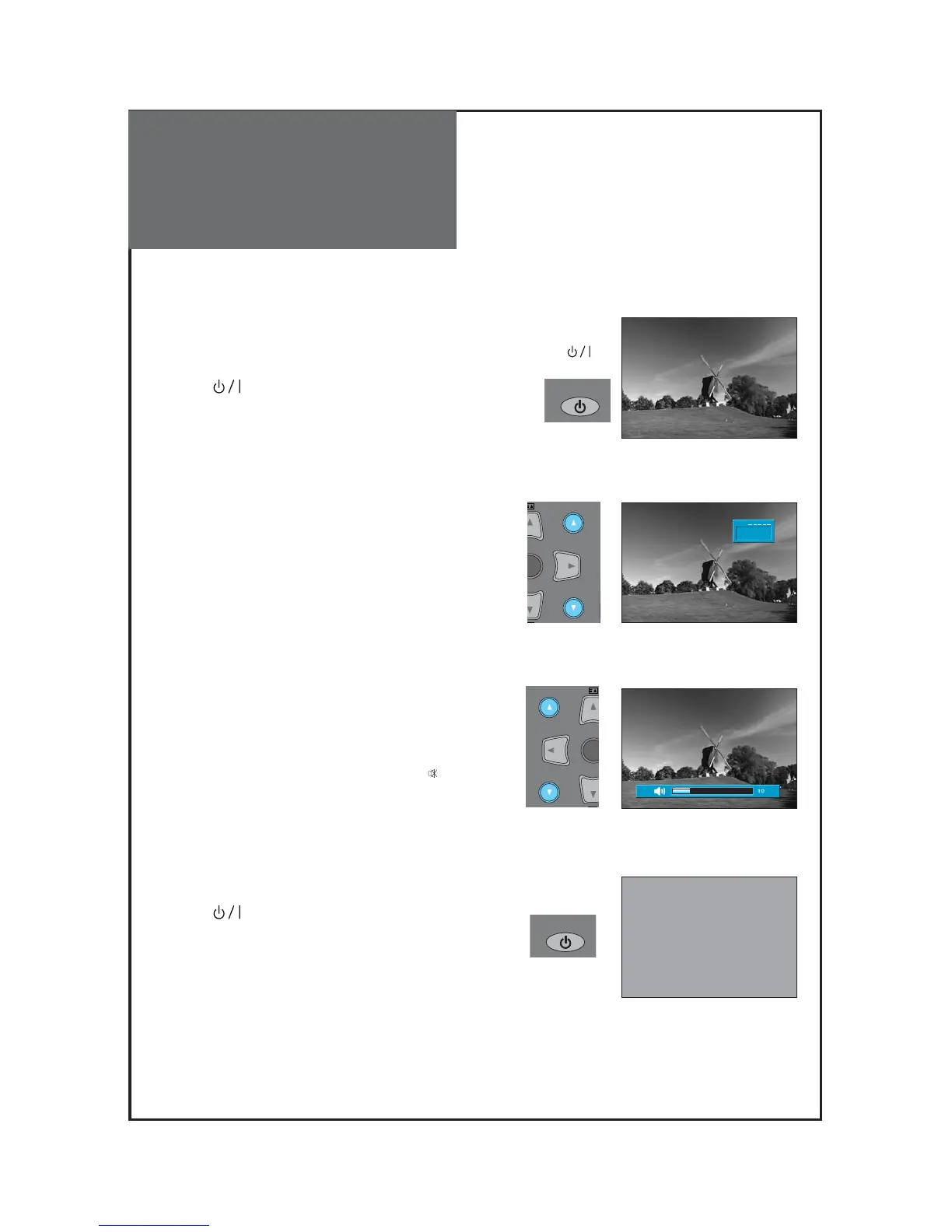
1. Turning on the TV.
• Plug the AC lead into a power outlet.
• The STANDBY LED lamp turns on in red.
• Press “ ” button of the front side of the set or
“POWER” button on the remote control.
2. Adjust program.
• Select the desired program by pressing the “▼PR▲”
button or the number button.
3. Adjust volume.
• Sound reduces by pressing the “▼VOL” button.
• Sound increases by pressing the “VOL▲” button.
Note : Sound mutes by pressing the “MUTE”( ) button.
4.
Turning off the TV.
• Press “ ” button of the front side of the set or
“POWER” button on the remote control.
• TV turns off and the power lamp changes to red.



 To Next Page