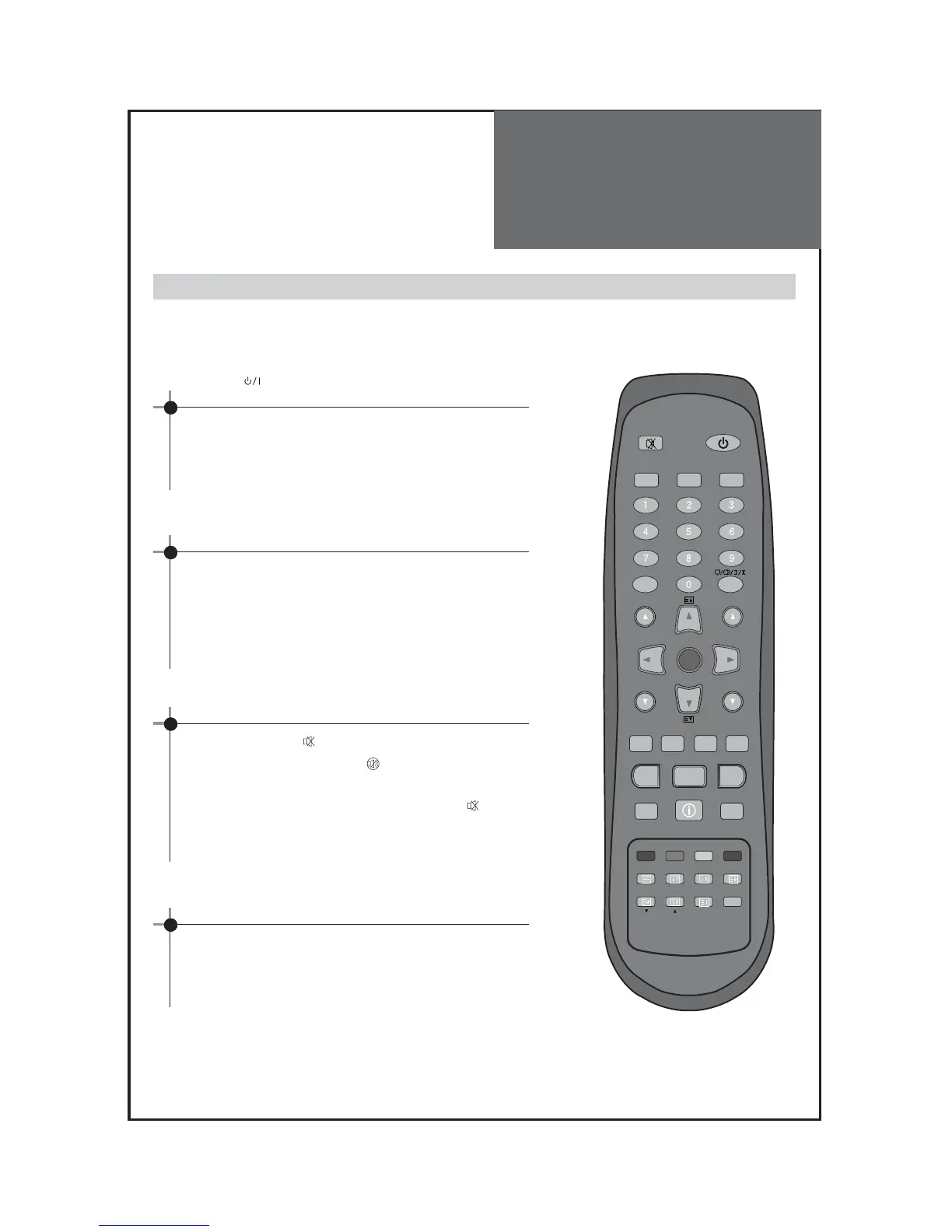
When pressing the Program button
• Select two digits if using the number button for channel
selection.
For example, to watch channel No.9,
Press the number button 0 and 9.
If pressing only number 9, it takes a longer time to select
the channel.
Press the " " button of the front side of the set or
Remote controller .
• The buttons of the remote control or the front side of the
set operate only when AC power is turned on.
Note : You can also turn on the TV using “▼PR▲” or
digit key in the ST-BY mode.
To suddenly turn sound off
• Press the “MUTE”( ) button.
• No sound is heard if “MUTE( )” is displayed on the
screen.
• Sound is heard again if you press the “MUTE( )”
button once again.
For example, please use this button when telephone rings
or when guest comes while watching TV.
Check of TV operation status
• If pressing the “RECALL” button, status of channel or
broadcasting being currently watched or entry status of
video component is displayed on the screen.
On/Off, Number, Mute, Recall, ▼PR▲



 To Next Page