Selection of AV and
Multimedia Input Signal
31
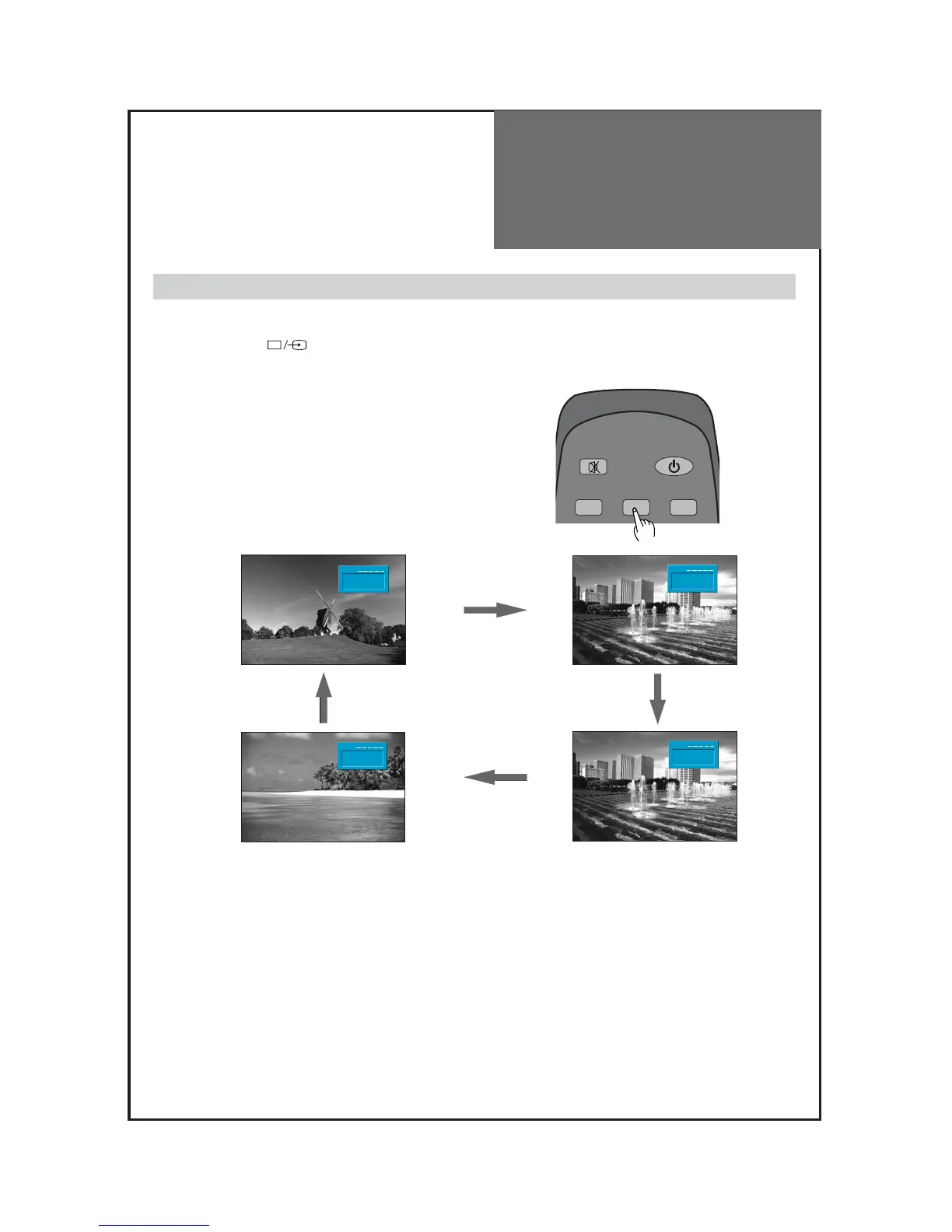
- See page 12 for connection method of Camcorder and Video.
- When pressing
””
button on the TV set, screen changes as follows:
TV => AV1 => AV2 => AV3/S-Video => COMP => PC => HDMI1 => HDMI2 => TV
Note :
Cautions in menu setup
• The menu disappears if you do not operate any button for about 25 seconds from the menu appearing.
• In the case of connecting both composite video signal and S-video signal at the AV3 terminal, the S-video
signal has priority.
• If sound signal is mono only, connect the white phono plug to the LEFT (L)-terminal of the sound input
terminal on the TV.
When watching video, Camcorder, DVD, Cable TV with AV
1. Pressing the “AV” button on the remote control.
• The screen changes as follows:
TV => AV1 => AV2 => AV3/S-Video => TV



 To Next Page