Antenna
Connection
9
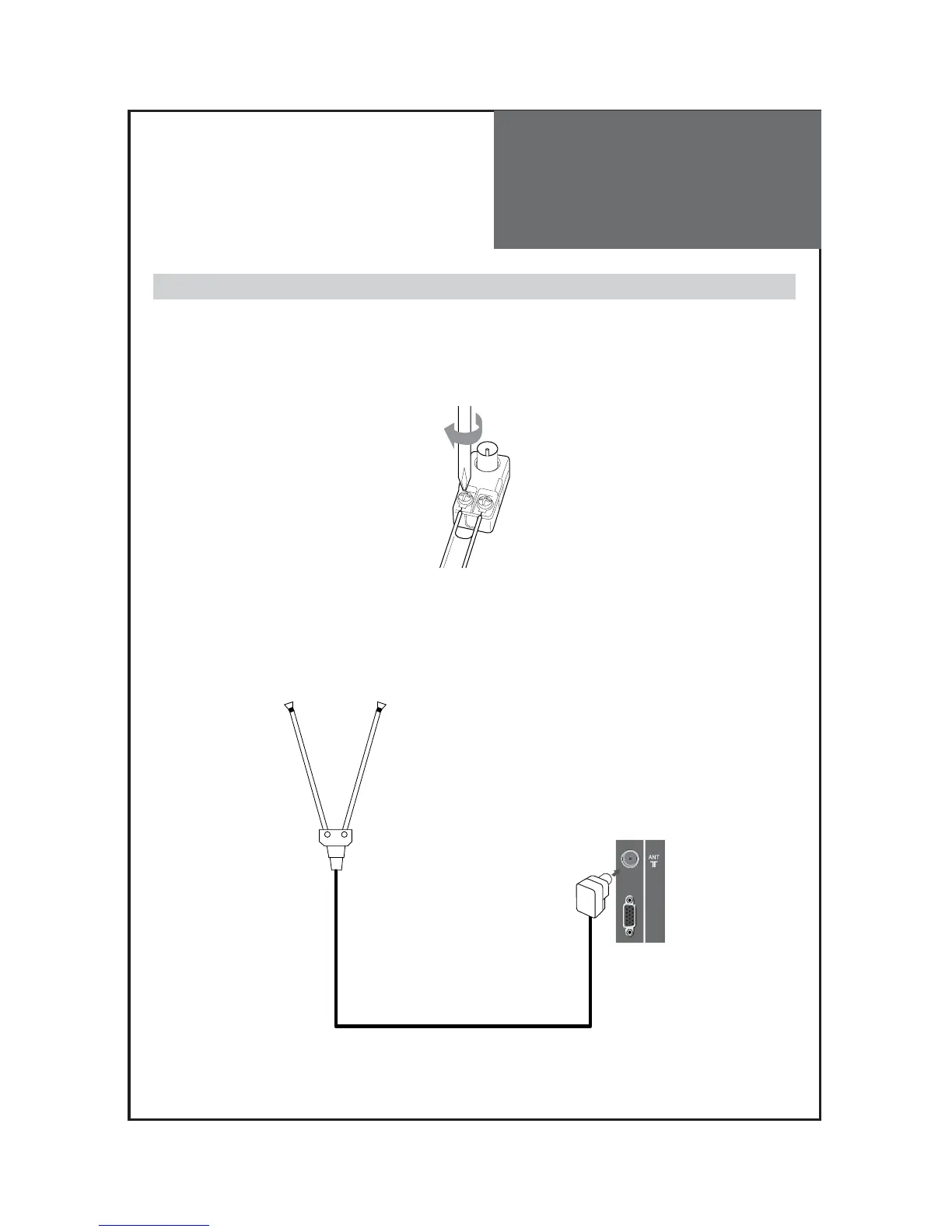
Indoor Antenna Connection
1. Connect the feeder cable of the antenna to the combining adapter.
WHEN THE IMAGE IS NOT CLEAR : Unclear screen image and bad reception may be a cause of wrong
antenna connection. Be sure to check its direction and place when
installing.
2. Connect the combining adapter to the antenna input at the left side of the TV set.
WHEN USING THE COMBINING ADAPTER : You may obtain the combining adapter at your closest
Service Center.



 To Next Page