PIP Mode
38
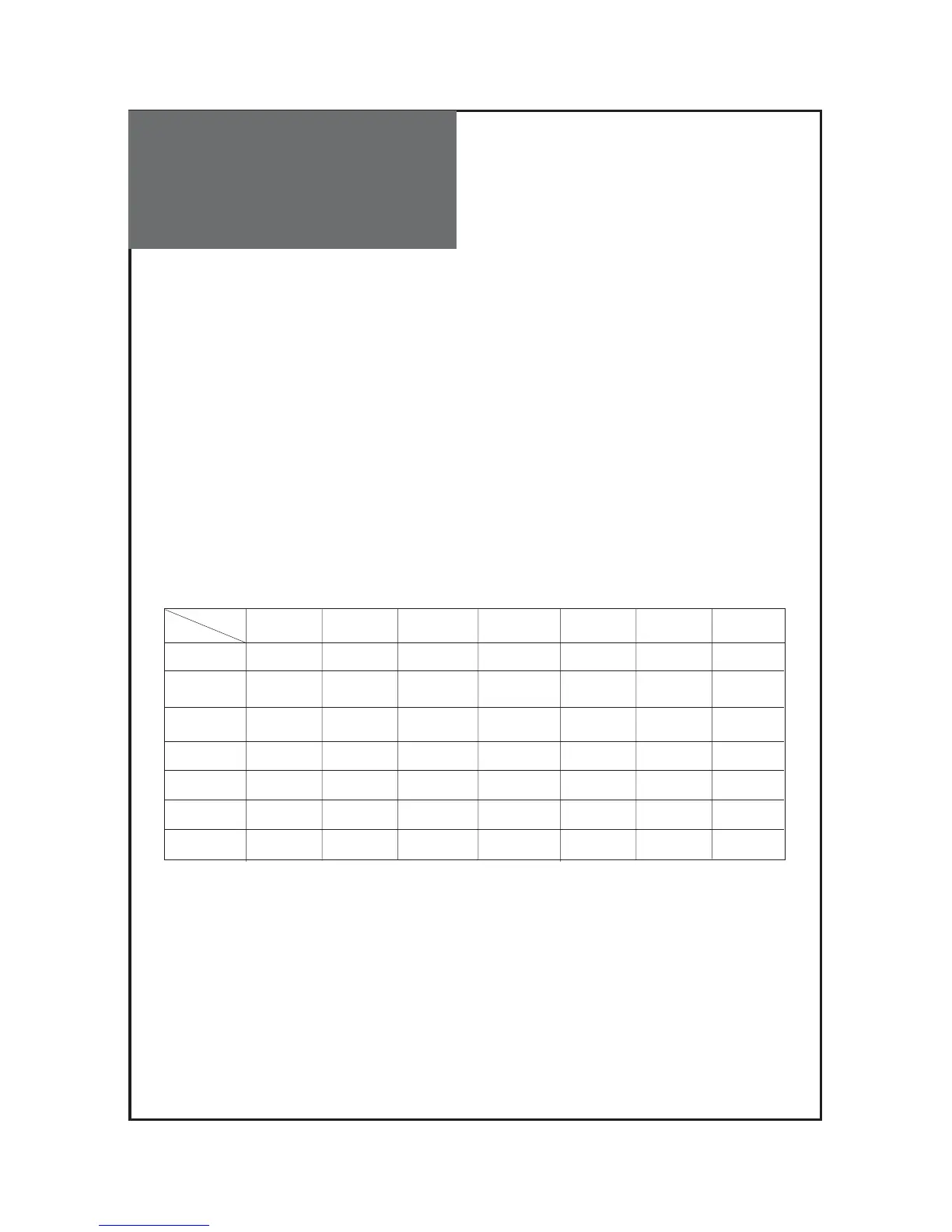
PIP mode table.
PIP
5. Pressing the “P.SWAP” button on the remote controller.
•Switch the Main and Sub screen each other.
6. Pressing the “P.INPUT” button on the remote controller.
• If Sub is on Digital, Switch the Sub screen in the MULTIMEDIA cycle(HDMI1 -> HDMI2 -> HDMI1…)
PC and COMP aren’t selected cause it is Analog side.
• If Sub is on Analogue, Switch the Sub screen in the exterior input cycle.
(RF -> AV1 -> AV2 -> AV3 -> COMP -> PC -> RF…)
• When press this button, sound output change to “Sub” from “Main”.
7. Pressing the “PR ▼/▲” buttons on the remote controller.
• Sub screen is switched RF mode and change PR. Up/Down.
MAIN
RF
AV1
(CVBS)
AV1
(CVBS)
AV2(CVBS)
(S-Video)
AV2(CVBS)
(S-Video)
COMPONENT
COMPONENT
PC
PC
HDMI 1
HDMI 1
HDMI 2
HDMI 2
RF
X
X
X
X
X
O
O
X
X
X
X
X
O
O
X
X
X
X
X
O
O
X
X
X
X
X
O
O
XOO
OO
OO
OO
OO
XX
XX
X
X
X
X
O
O
Note :
• In cases resolution for 1080i(COMPONENT, HDMI1, HDMI2), do not support PIP.



 To Next Page