40
Sound Adjustment
Multi-Sound and Stereo
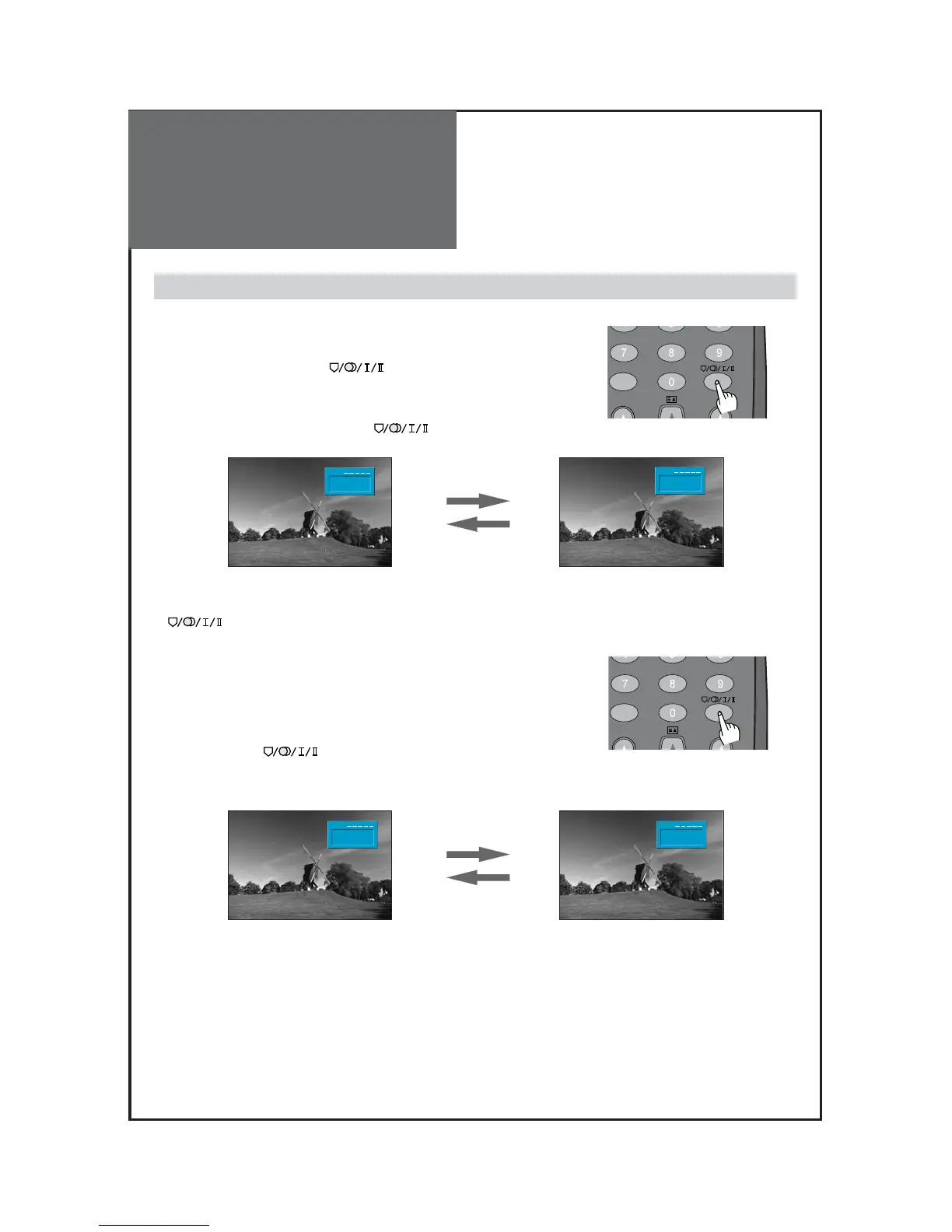
1. Mono Sound Selection
• During Stereo sound reception if the stereo is weak, you can switch
to MONO by pressing the button. Then the colour of
"MONO" character will change to Red. In Mono reception the depth
of sound is improved.
• To switch back to stereo, press the button again.
2. Adjustment of Bilingual sound
• In bilingual broadcast reception, you can switch from Dual 1 to Dual 2
by pressing the button repeatedly.



 To Next Page