69
8. Remarks.
During programming sometimes errors can happend.
You will see that when text window in DAEWOO GProbe application change colour to red.
There will be also text information where problem appears.
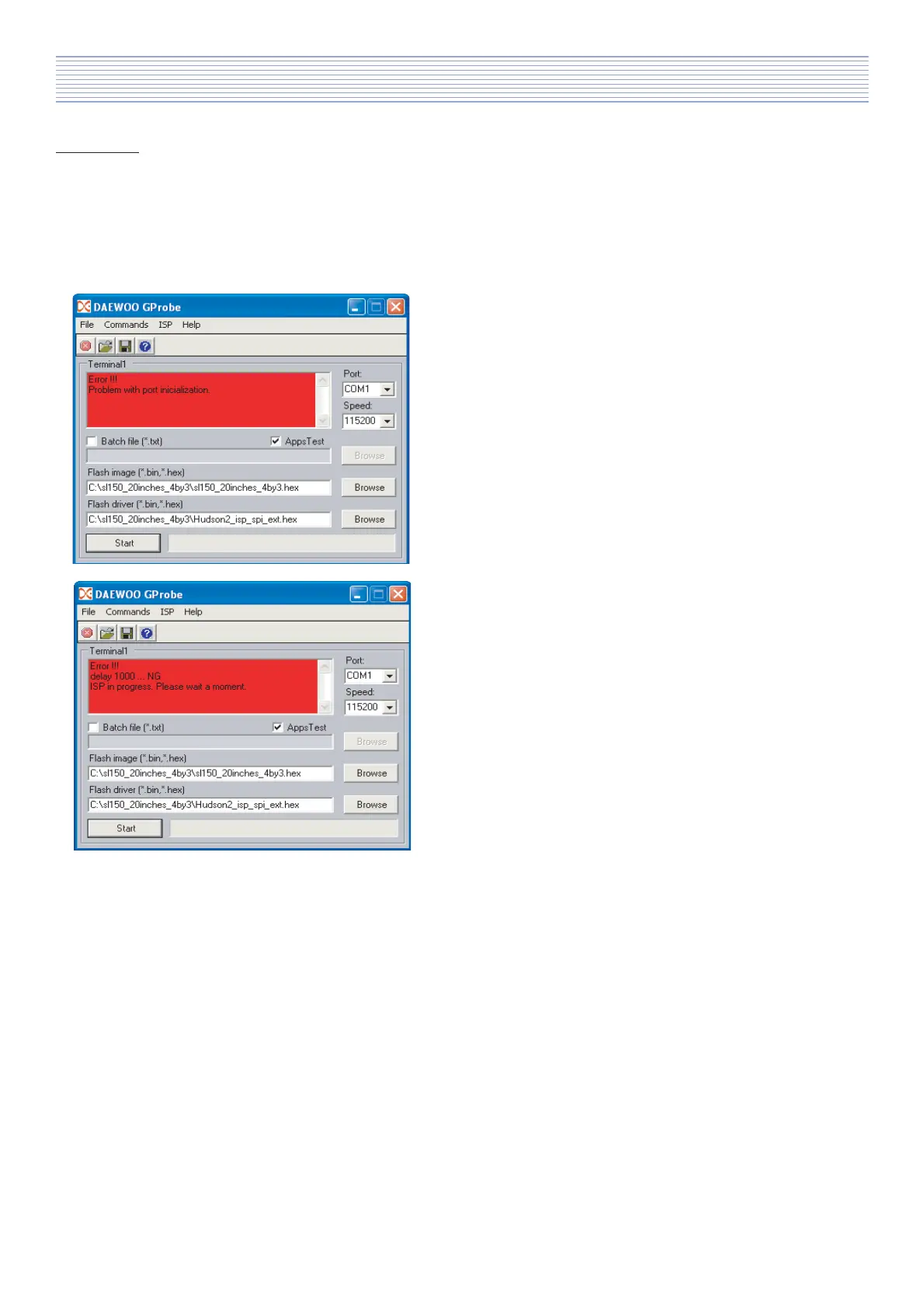
Below you can see two examples of errors which can appear during programming procedure.
a). Problem with serial port, for example in this situation
you should check Port configuration - possible reason:
selected Port is not correct or port is not present in
system devices menager.
b). There is problem with connection to TV-set, in this
situation you should check if TV-set is properly ON (not
in stand by), RS232 upgrade JIG is properly connected
to serial port and to TV-set or RS232 is broken.
If during programming you will see error information you should:
* try flash it one more time,
* check software configuration,
* try to change serial port (if it is possible),
* check supply voltage,
* check all required connections.
Software Install & Upgrade



 To Next Page