70
II. Digital software upgrade.
1. Equipment needed for digital software upgrade.
a). Software: „Serial download server”.
b). Computer with serial port or USB to RS232 converter.
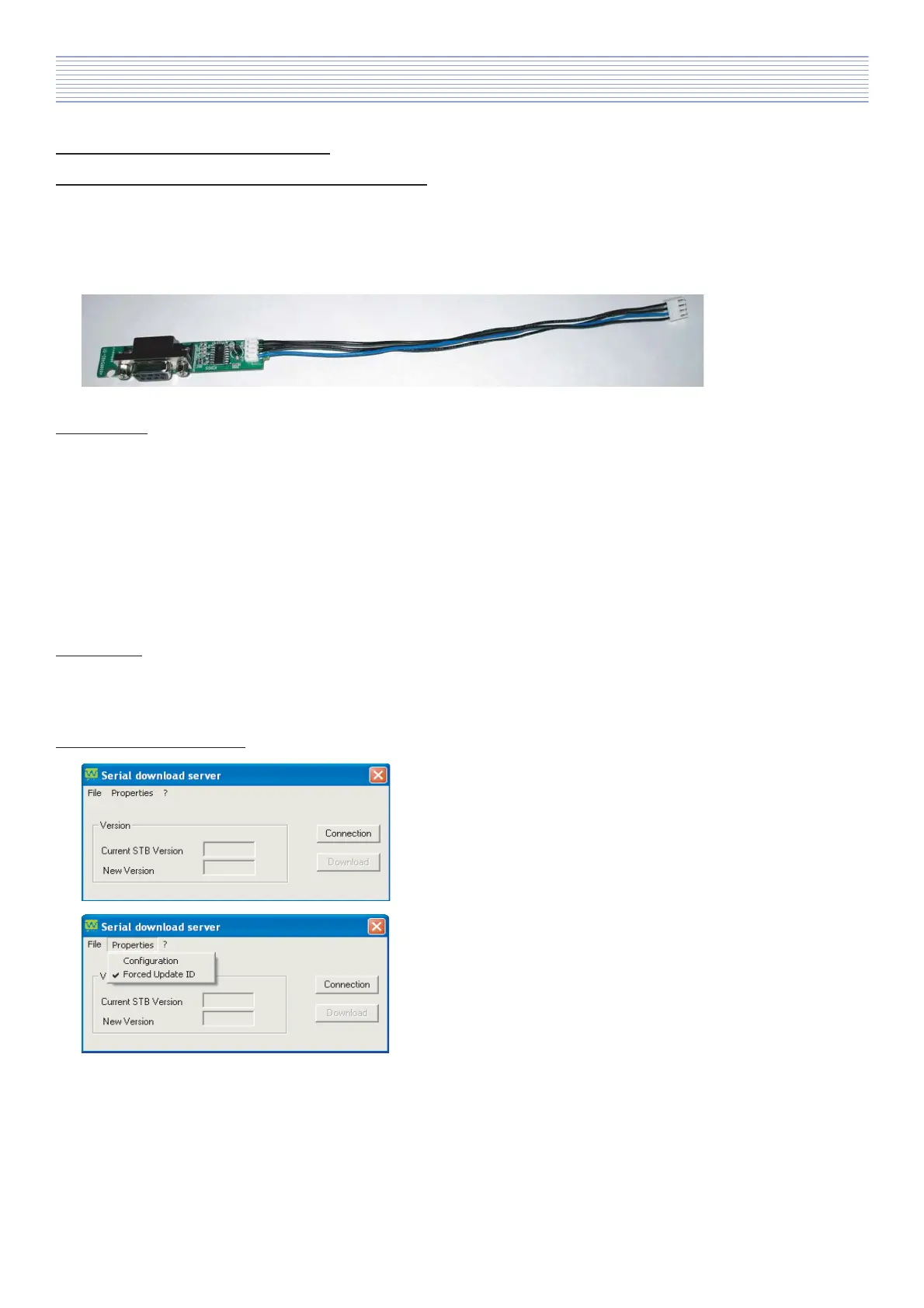
c). RS232 upgrade JIG.
2. Hardware.
Before start!
Please check if your computer has serial port, if not please install converter USB to RS232
a). Turn off computer.
b). Connect RS232 upgrade JIG to serial port.
(If needed use extention RS232 cable.)
c). Turn On computer.
3. Software.
„Serial download server” folder include serial loader file: „BL_v20.exe”.
Inside the program package there are also: „config.txt”, „FILEMOVE.AVI”, „SerialCom.dll”, „Server.ini”
4. Software configuration.
a). Start application „BL_v20.exe”.
b). After start application you need to set Forced Update ID:
Properties -> „Forced Update ID”.
Software Install & Upgrade



 To Next Page