36
◄ ►
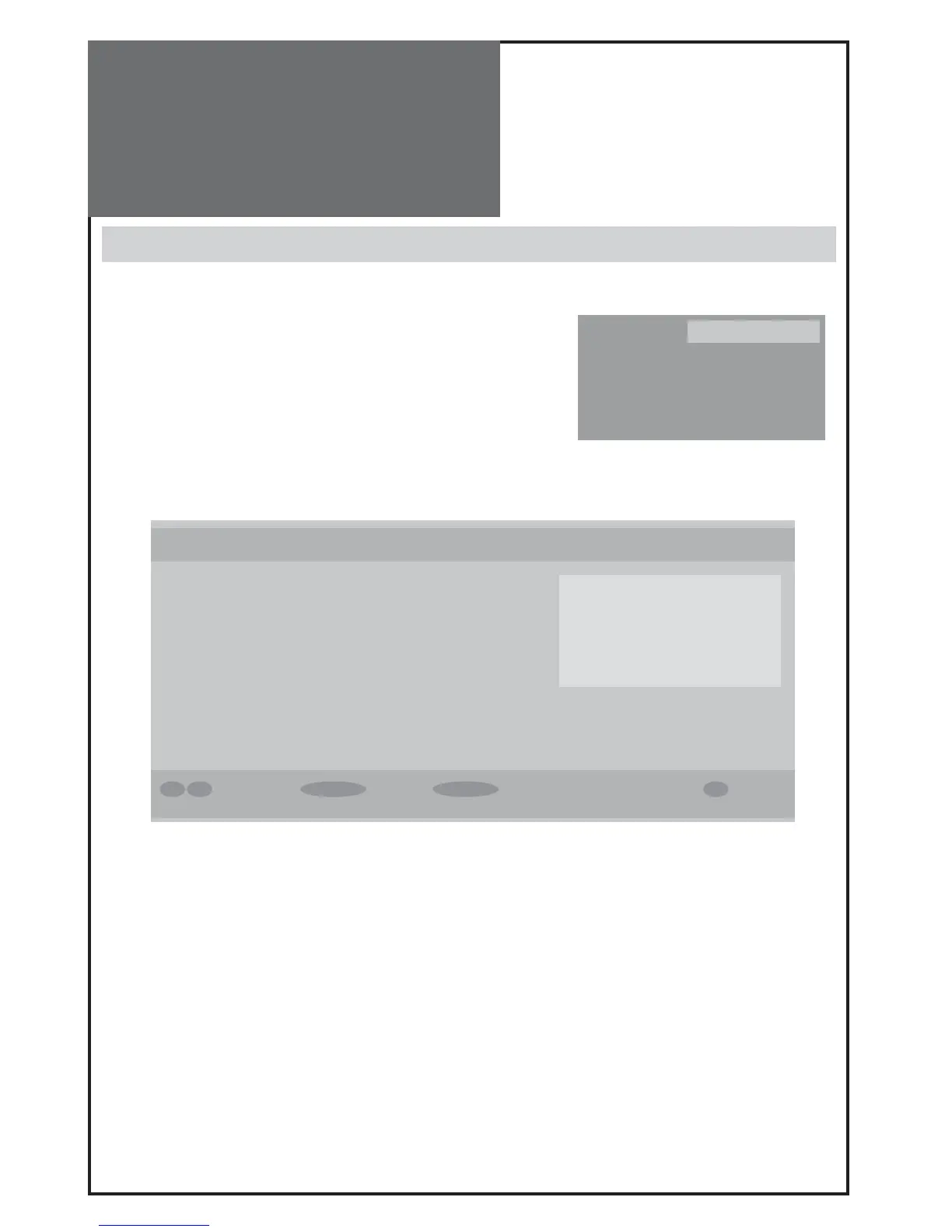
Mode Menu Exit Select Edit Timer i More
No. Channel Name Start End Date Mode
1 BBC ONE 20:20 22:00 18/11/2005 Active
2
Programme Timers Wed 10/11 8:45
name : 1. BBC ONE
start : 20:20
end : 22:00
date : 18/07/2005
mode : weekly
DVB Menu
Timers
- If you want to watch a special program on time without having to use
the remote everyday, please setup Timers.
- At first, press select key. You will see time setup OSD.
(See the right)
- You can change channel at Name.
- Setting start/end time as you want at Start / End.
- Select Mode (Once, Daily, Weekly)
- If a channel is set to change to LOCKed channel, password OSD will be
displayed before channel changing.
- To change the password, go to SETTING > Configuration > Parental set-
tings (see page 37).



 To Next Page