37
Setting
Configuration
Installation
MENU Exit
SELECT Select
Change Default Subtitle Language i More
Subtitle
Off ►
Banner
4 sec
Favourite Mode Off
Channel List Show all
Parental Settings
HW2048.256_SW2.2.178
Configuration
1 BBC ONE
DVB Menu
Settings
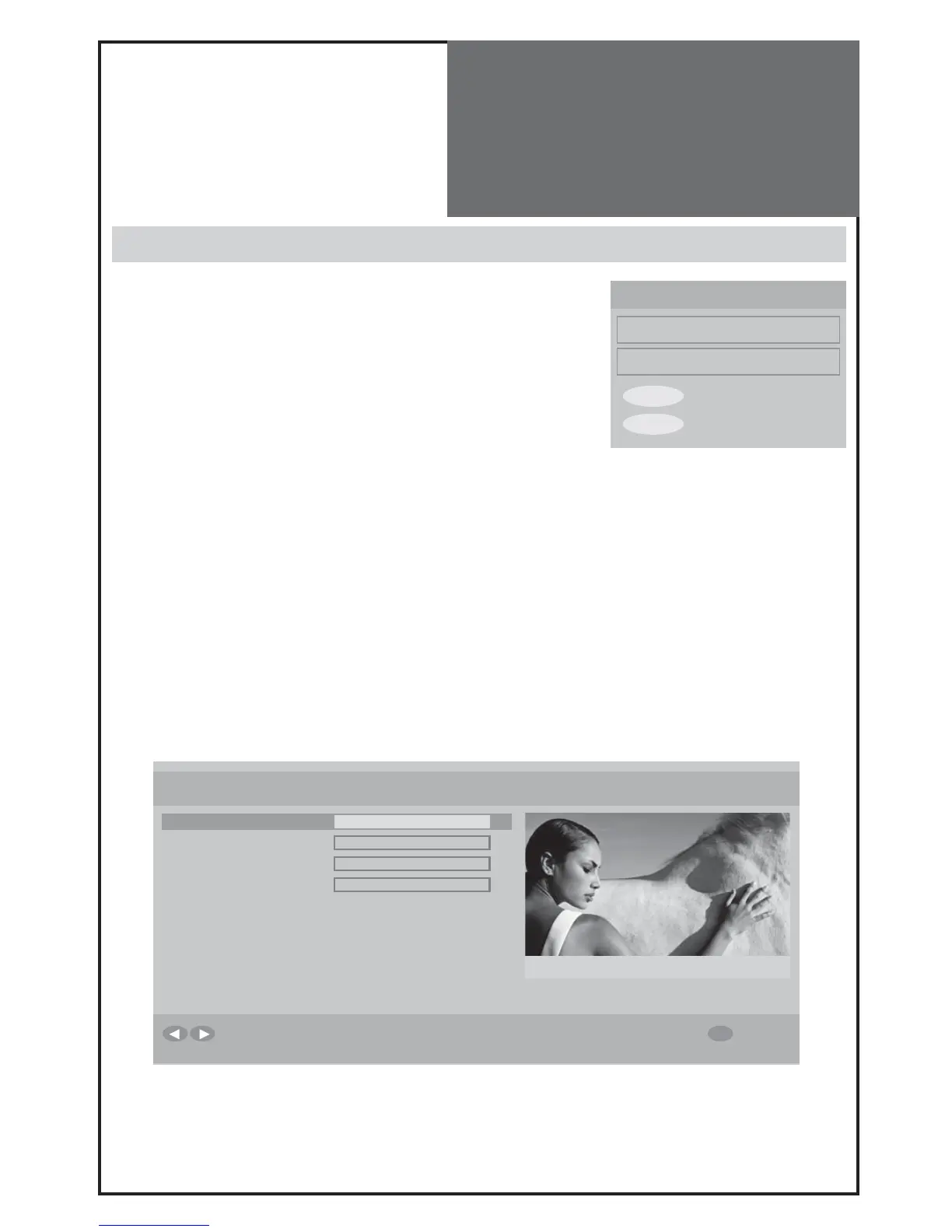
Select each sub-menu
Configuration
This has 4 sub-menus.
- Subtitle on/off
You also can control this with the remote control SUB TITLE button.
Note:
You can select sub title language in the Features menu.
- Change Banner time :
off - 1 sec - 2sec - 4sec - 8sec
- You can choose your favourite list (see page 33) in Favourite Mode. If it is se-
lected as off, all channels are shown.
- Change Channels List :
Show all - TV only - RADIO only - TEXT only
- Parental Setting enables you
to make individual services. DVB MENU and Installation are protected by a password. The default password for pa-
rental setting is „0000”.
To change the default password, select “Parental Settings” using the up/down buttons, and press the OK/SELECT.
Using number buttons enter default password “0000”. Now select “Set Lock Key” and confirm with the OK/SELECT
button. Using the number buttons enter a new password in to “Lock Key” field and re-enter in the “Confirm” field.
※ If you have forgot your personal password, you can reset to the default password “0000” by pressing the key se-
quence:
RED - GREEN - YELLOW - CYAN



 To Next Page